User manual DPC Touch V2 DOC.60352-11/20
4. USE
4.1 Tool Start-Up and Stop
To turn the unit on, plug in the power supply. The display screen will light up.
To turn the unit off, unplug the power supply. The display screen will turn off.
4.2 Main Menu
The DPC Touch V2 starts in the Operation Mode.
button to access the main menu.
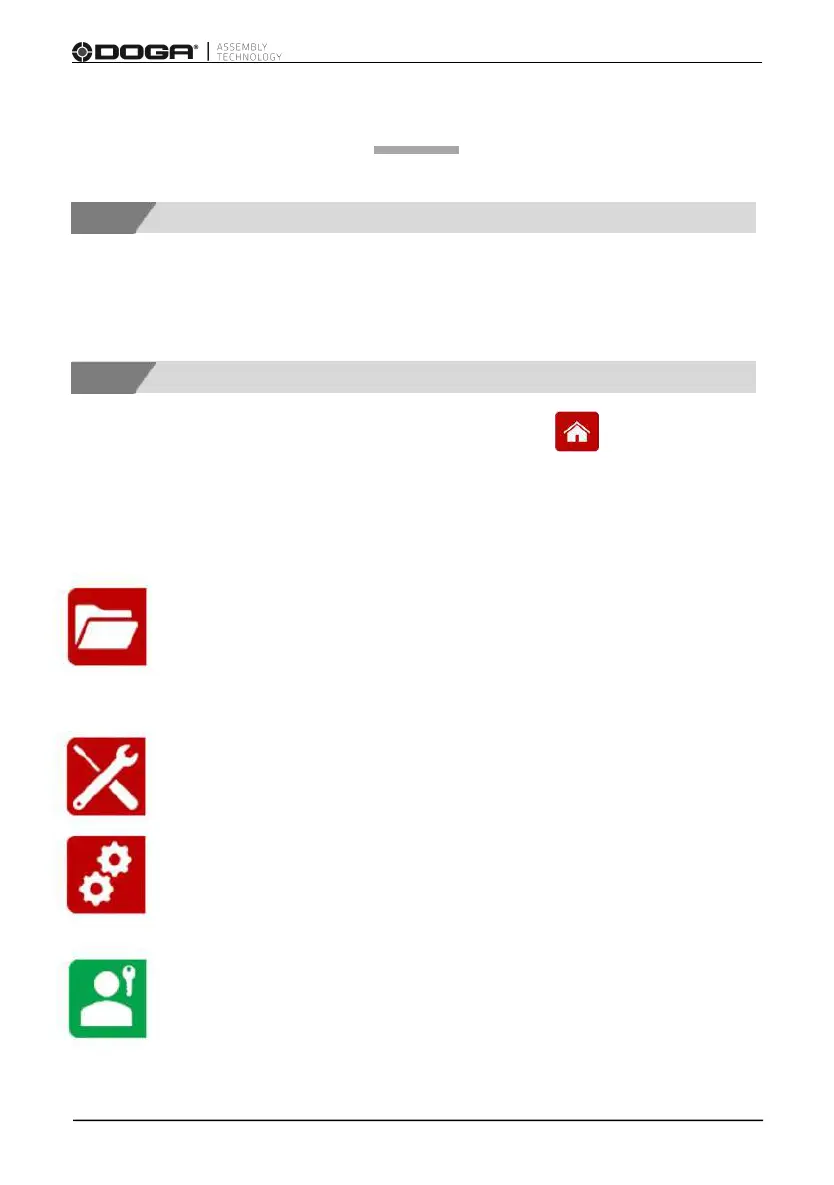
The main screen display the following 4 menus:
JOB MANAGER
Provides access to the list of saved jobs and allows
creation/modification of jobs. This menu is partially locked while
user is logged out.
OPERATION MODE
Provides access to the operating screen (normal work mode).
SETTINGS
Provides access to the controller settings. This button is locked
while the user is logged out.
LOGIN - LOGOUT
Allows logging into the system by entering the password to access
and modify Job manager and Settings.



 To Next Page