User manual DPC Touch V2 DOC.60352-11/20
4.4.5 Picture programming into a fastening step
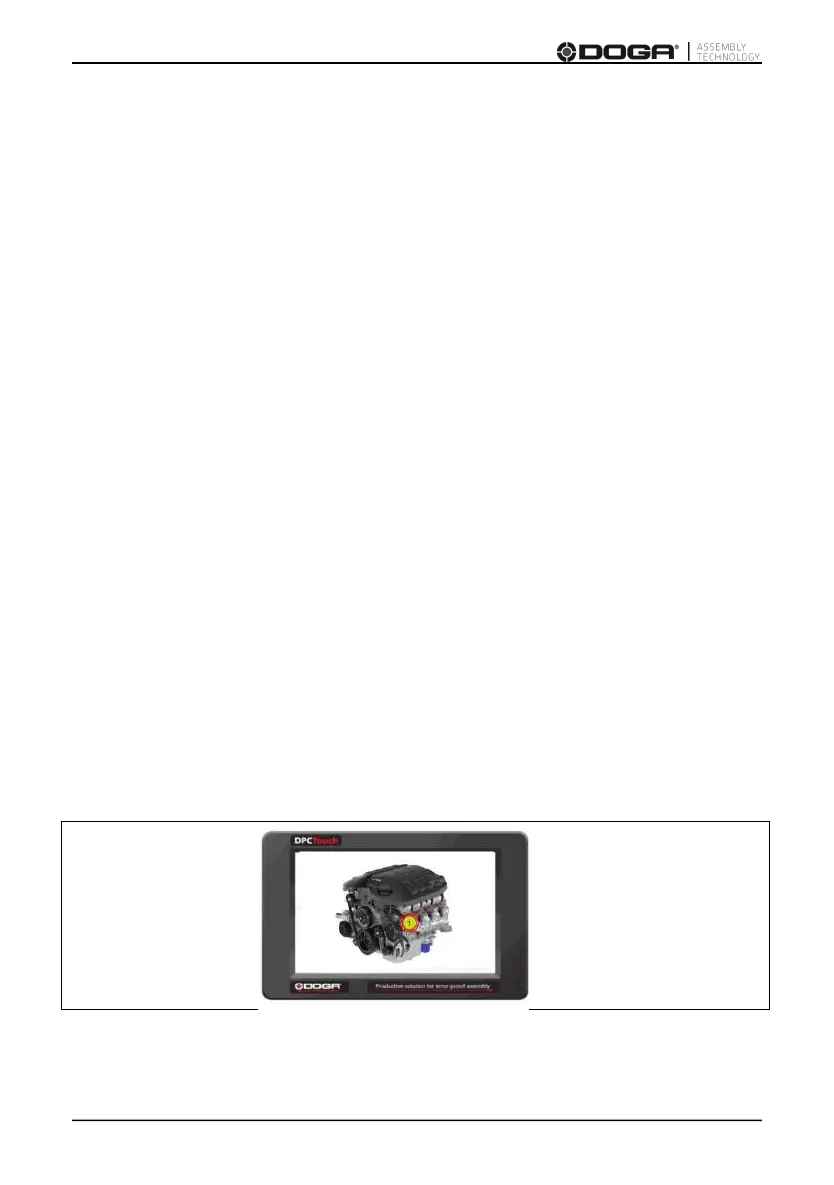
Once a fastening step is created, it is possible to associate a picture with it that
will appear on the screen. It allows the operator customized guidance.
1- Save your pictures on the SD card in JPEG 800x480 format, use the
« pictures » directory, SD:/Pictures (refer to paragraph 4.4.10).
2- Press SELECT IMAGE button at the bottom of the screen to open the
picture programming screen.
3- Press SELECT IMAGE /SCREW button to choose the desired file.
4- Select and place the different tightening positions on the picture.
5- Press SELECT OPTION to choose position’s size & color, or adjust the
screen layout of the selected position using the arrows.
6- Press CLOSE.
The picture will be displayed once the step has been launched in «Operation
mode». The encoder colors will be included into the circle of the active
position.



 To Next Page