User manual DPC Touch V2 DOC.60352-11/20
3.2 Change Password
The password allows you to lock access to programming mode and settings.
The DPC Touch V2 automatically logs you out as soon as a job is launched
(Operation Mode).
To access the system press the LOGIN button on the main screen. By default
the password is “0.” Press OK to unlock the DPC Touch V2.
Press SETTINGS on the main menu, then OTHER. Press the NEXT button 3
times to reach the PASSWORD AND INFORMATION screen.
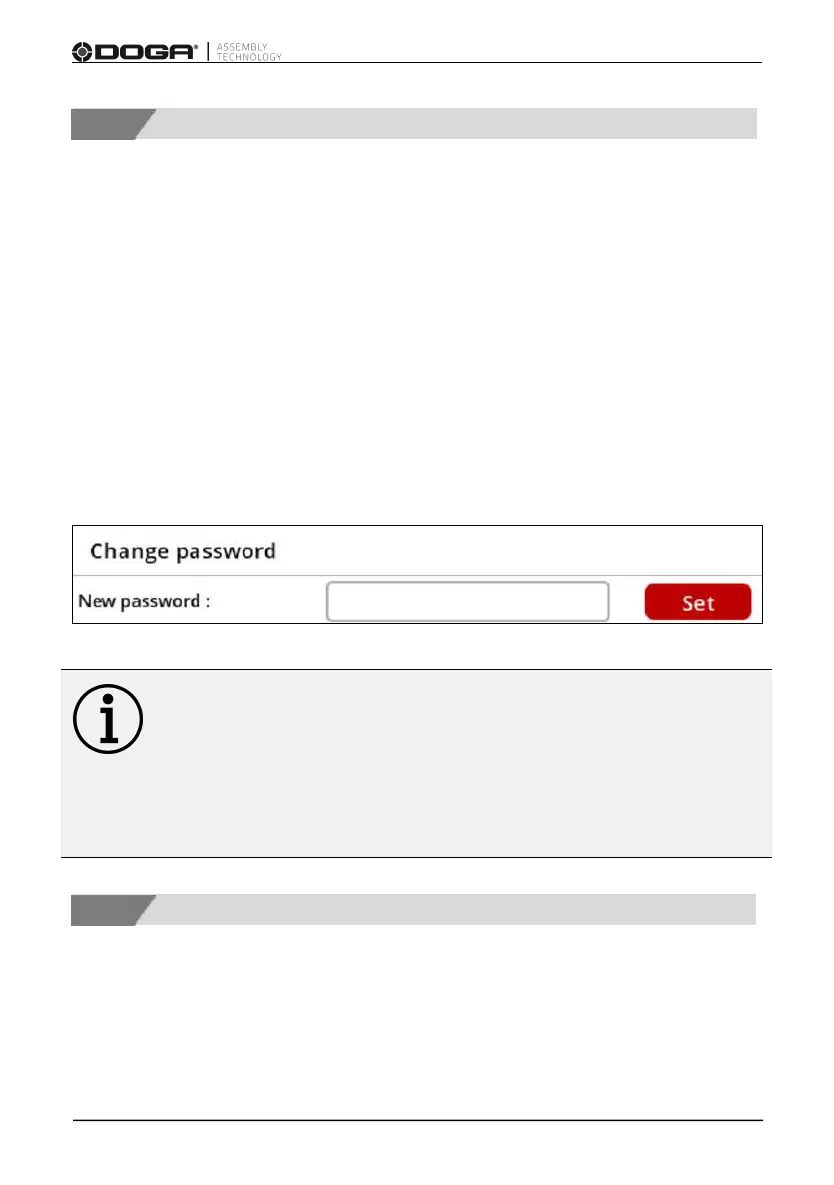
Enter a new password and press SET.
Information
If the password is lost, disable the controller, remove the SD card,
access the SD card from your computer and delete the following file:
SD: \ dpcSetting.bin. After reboot, the controller is reset to factory default
settings.
For data recovery without loss, contact DOGA After-sales department.
3.3 Controller Parameters - Operating
To access the controller settings, press SETTINGS from the main screen.
The OPERATING tab is selected by default.



 To Next Page