User manual DPC Touch V2 DOC.60352-11/20
2.4 Installation
2.4.1 Workstation Installation
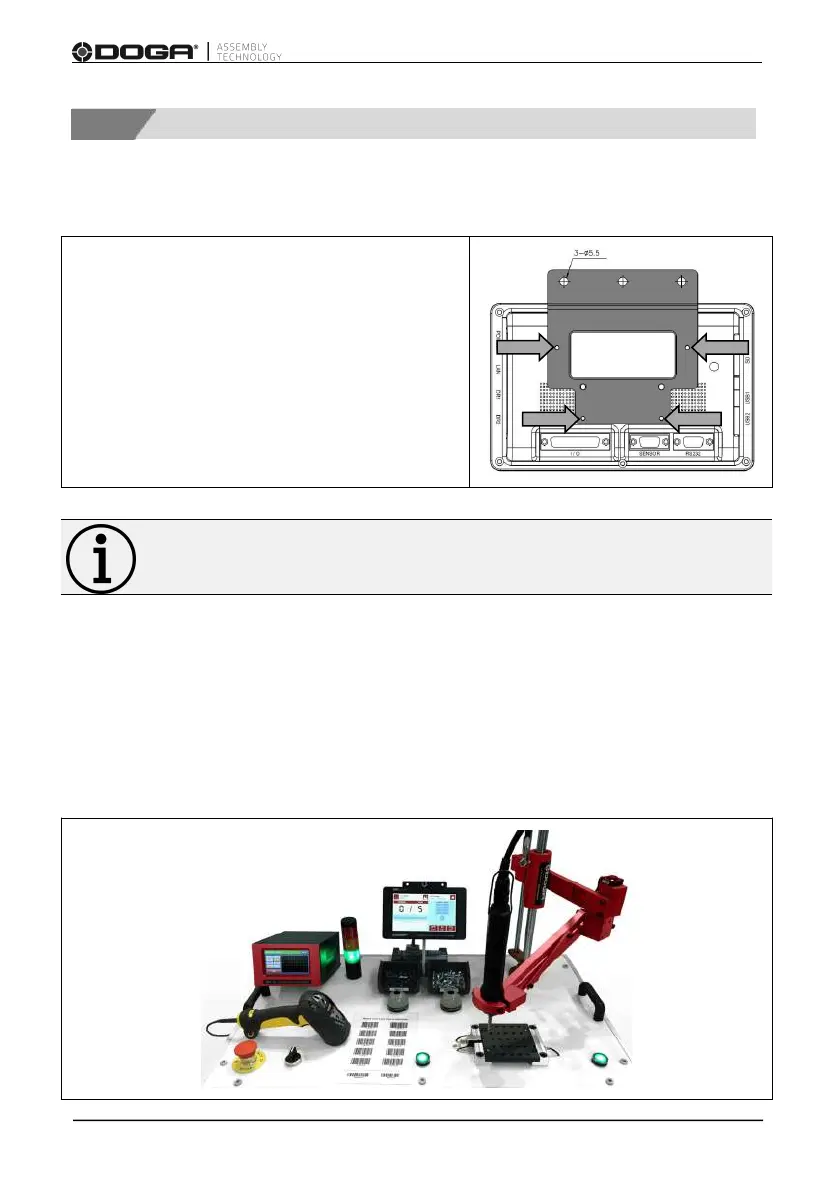
Install the mounting bracket with 4 M3
screws delivered with the unit.
Then use the 3 holes Ø5.5 mm (0.216 in) to
secure the assembly to your workstation.
Information
Make sure the screen is visible and accessible by the operator.
2.4.2 Connection
Connect the DPC Touch V2 to the positioning arm, the tool, and the various
desired inputs and outputs. Refer to the appendices of this instruction manual
for wiring diagrams.



 To Next Page