User manual DPC Touch V2 DOC.60352-11/20
3.4 Controller Parameters - Encoders
3.4.1 Encoders - Tolerances Channel 1 to 4
Activate or deactivate corresponding encoders by selecting check boxes
accordingly.
Enter default tolerance values for the approaching area and for OK zone
where tool is enabled. Default tolerance values are applied automatically
during Fastening step creation. It is possible to modify tolerances manually for
each individual position during creation of a fastening step.
Information
If default tolerances are changed they will be applied only to new
jobs, existing jobs will not be affected.
See more information about approaching Area and OK zone tolerances in
fastening step creation chapter (paragraph 4.4.2).
3.4.2 Encoders - Position Pick up 1 & 2
It is possible to define two screw feeding positions or areas. The tool can be
enabled on the corresponding feeding position for easier screw picking.
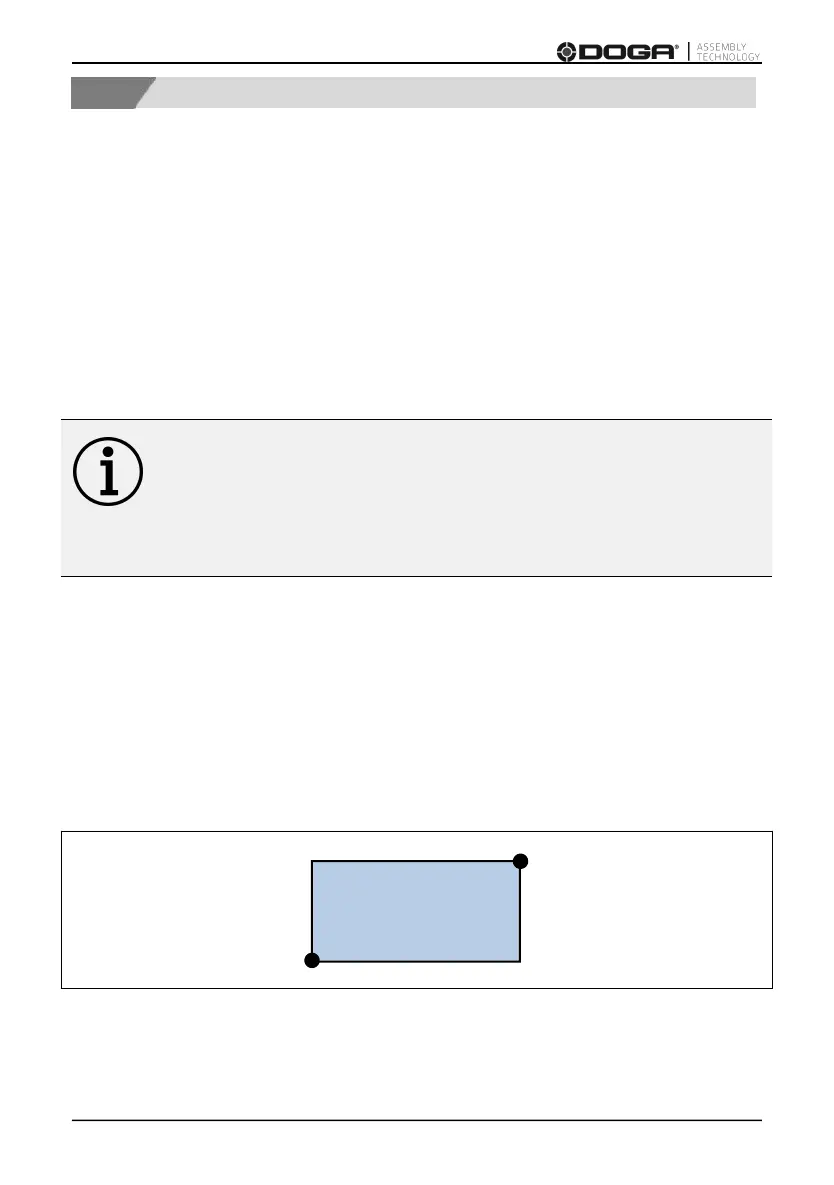
Pick up position can be defined as a single point (Corner 1) or as an area
between Corner 1 and Corner 2 (see below).



 To Next Page