User manual DPC Touch V2 DOC.60352-11/20
3. SETTINGS
3.1 Select language (English)
To access the system press the LOGIN button on the main screen. By default
the password is “0.” Press OK to unlock the DPC Touch V2.
Press SETTINGS on the main screen, then press OTHER.
Press the NEXT button 2 times to reach the TIME AND LANGUAGE screen.
The following line is displayed:
Press the arrow and then open a drop-down menu, and select the desired
language (English).
Press the HOME button to get back on the main screen.
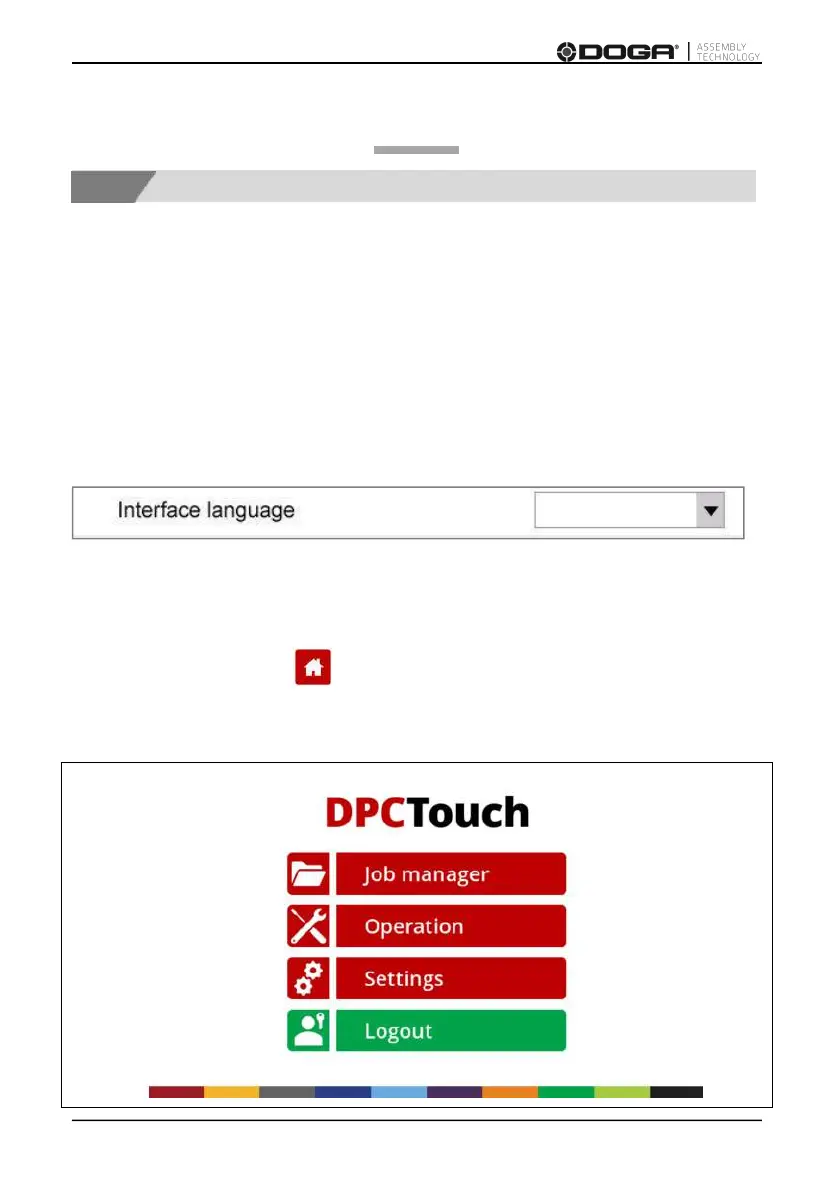
The following Home screen will then display in English:



 To Next Page