User manual DPC Touch V2 DOC.60352-11/20
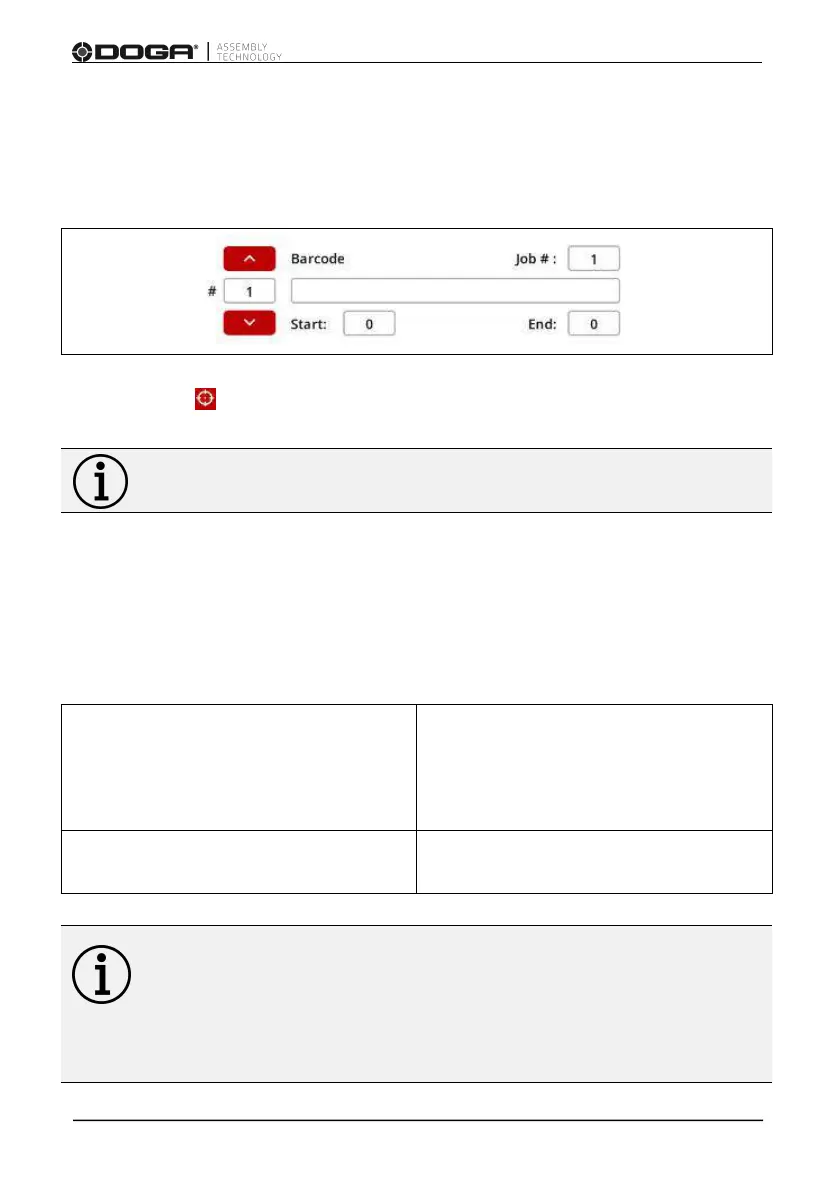
Using the red up and down arrows, select the position of the barcode (see next
paragraph), as well as the associated job (job #:) according to its order in the
programming mode.
Press READ then scan the barcode.
Information
Be careful to associate only 1 barcode per job.
3.7.4 Network - Barcode filtering rules (start/ end) job call:
Using START and END to define the parts of the barcode to be read.
Follow these filtering rules:
If beginning: 0 and end: 0
Barcode is not read, any barecode
with an equal or higher number of
characters will launch the selected
job.
If beginning: 1
and end: between 1 & 32
The barcode is read between the
defined limits.
Information
If two barcodes are similar, or contains another barcode, enter the
longest barcode first.
Example: ABCD code associated with job 1, ABCDE code associated with job
2. Enter the ABCDE code in first position.



 To Next Page