User manual DPC Touch V2 DOC.60352-11/20
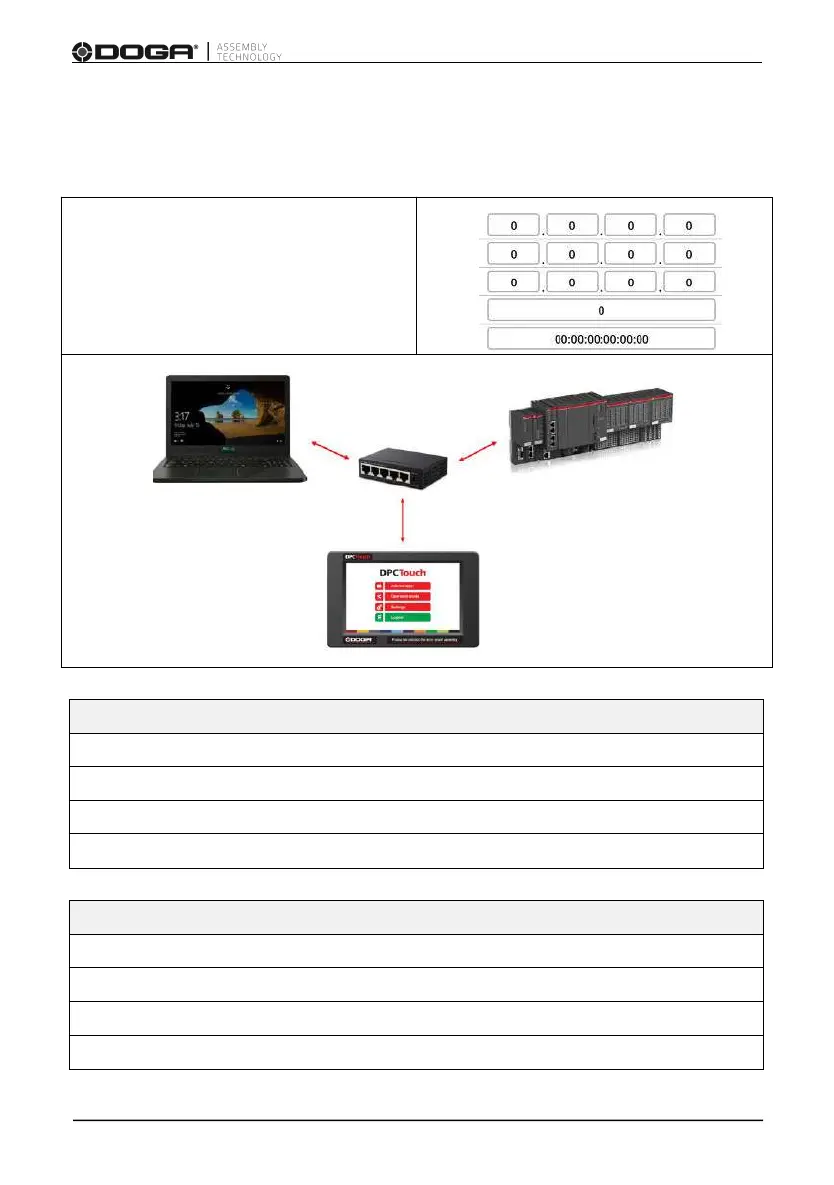
3.7.2 Network - Ethernet Communication - Modbus TCP/IP
Activate (ON) or deactivate (OFF) Ethernet.
You must complete the communication parameters :
IP address
Subnet mask
Default gateway
Port
Mac address
Example of accessible informations (live):
All settings in the setting menu
Job N°, Step N°, Screw N°, etc.
Tool signal (hourly/anti-hourly rotation, lock, motor run, torque OK)
Example of accessible information (by events): (Buffer 15)
Event number with time stamp
Event type, included barcodes
Job N°, Step N°, Screw N°, etc.
Encoders position at time of fastening



 To Next Page