ParaMon-Pro X instruction manual DOC.60391-01/21
14.1.4 Delay step
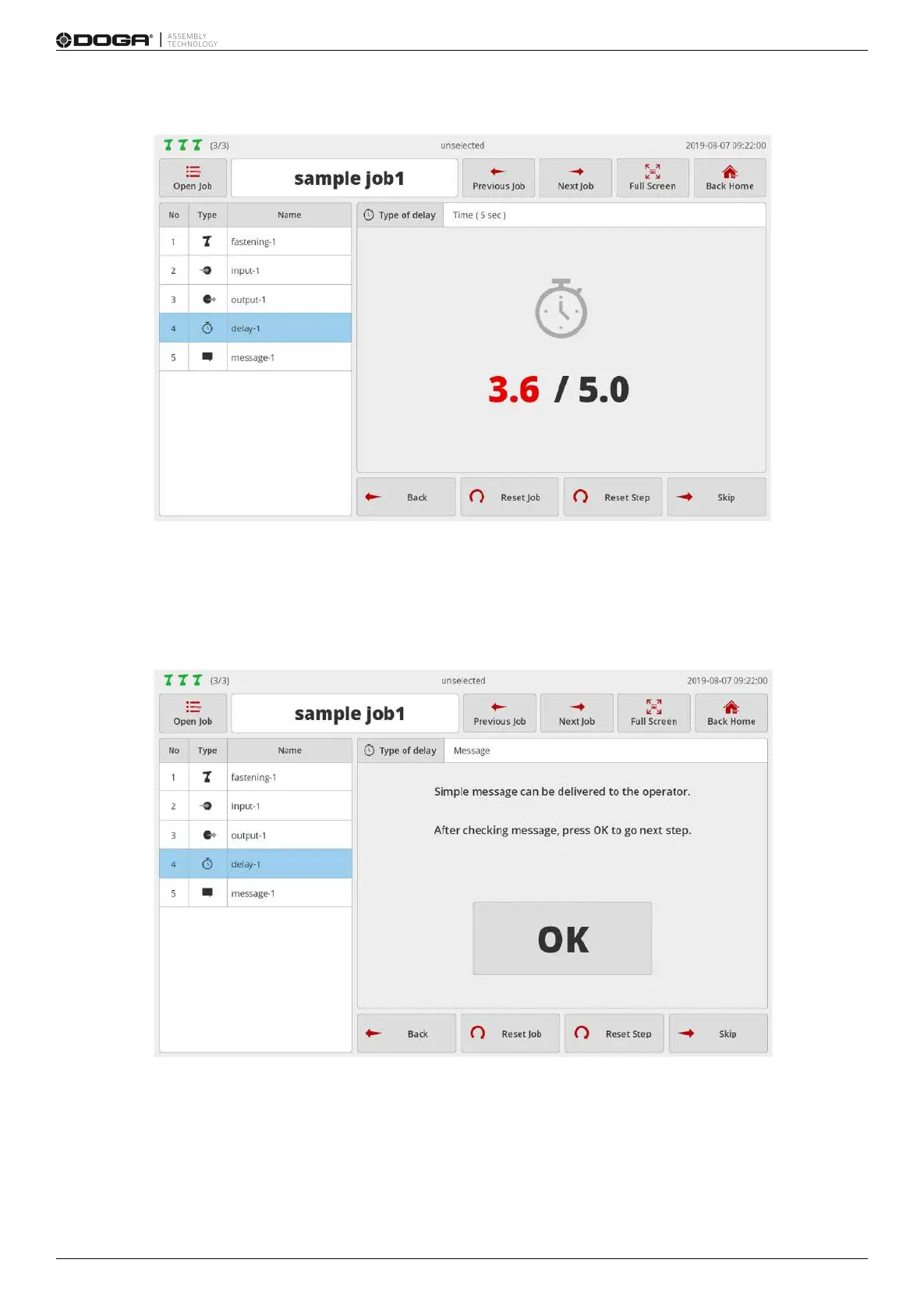
The above page reveals the delay step set by the timer (5 sec.).
It is displayed in ‘elapsed / set time’ format.
Once the timer reaches the preset time, the page moves to the next step.
If the previous step is ‘Message step’, the timer is executed in the background, and the screen keeps displaying a
message.
The above page shows the delay step set by the message.
Check the message and press [OK].
Then, it moves to the next step.



 To Next Page