ParaMon-Pro X instruction manual DOC.60391-01/21
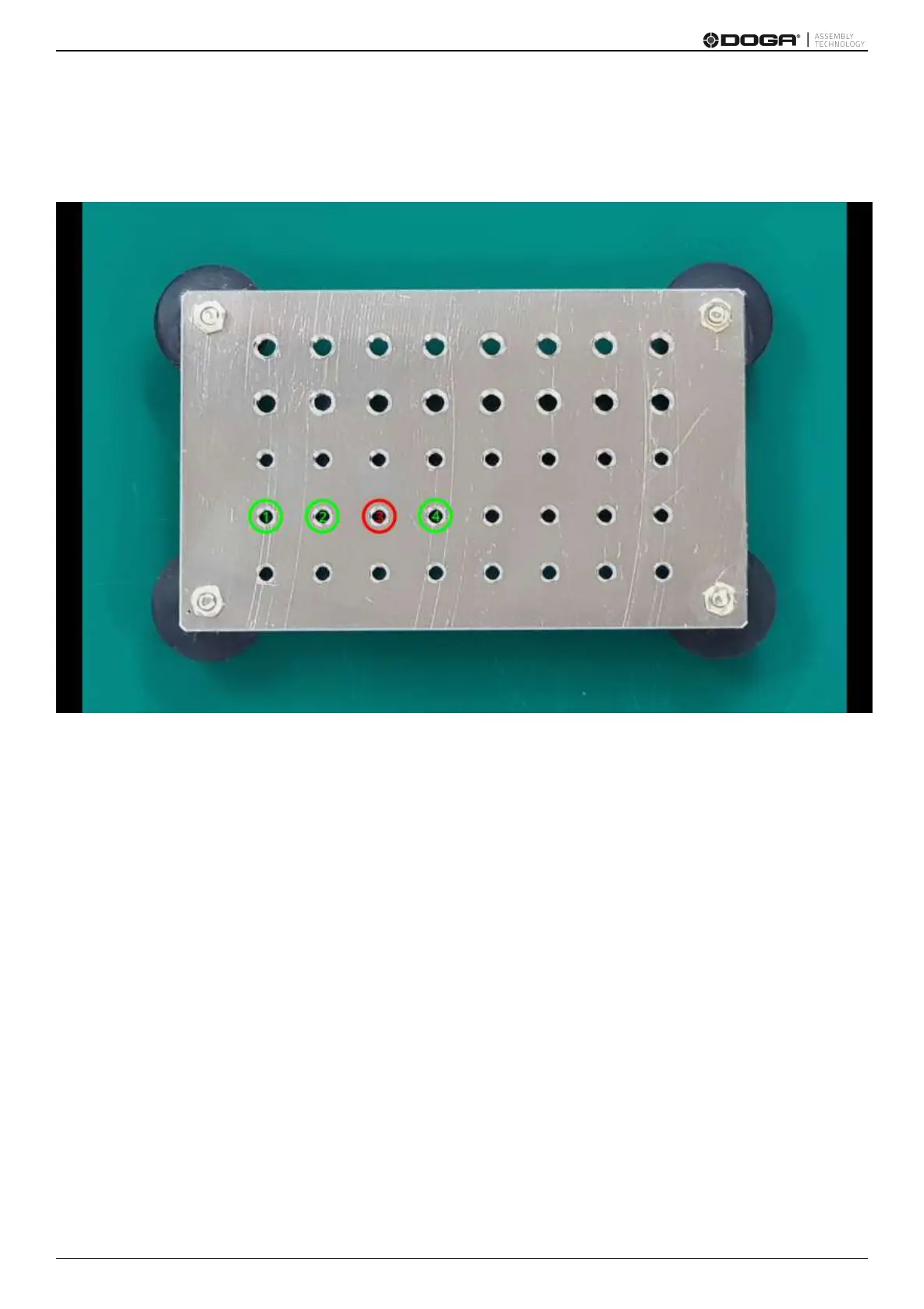
If an image is registered in the fastening step, it is generated in full screen.
In terms of a fastening state, ‘OK’ or ‘NG’ is displayed by color depending on settings.
If touched in the full screen mode, it is turned off temporarily and switched to the count page.
To return back to the full screen mode, press the ‘Full screen’ button.



 To Next Page