Vigor2120 Series User’s Guide
94
3
3
.
.
8
8
H
H
o
o
w
w
t
t
o
o
B
B
l
l
o
o
c
c
k
k
F
F
a
a
c
c
e
e
b
b
o
o
o
o
k
k
S
S
e
e
r
r
v
v
i
i
c
c
e
e
A
A
c
c
c
c
e
e
s
s
s
s
e
e
d
d
b
b
y
y
t
t
h
h
e
e
U
U
s
s
e
e
r
r
s
s
v
v
i
i
a
a
W
W
e
e
b
b
C
C
o
o
n
n
t
t
e
e
n
n
t
t
F
F
i
i
l
l
t
t
e
e
r
r
/
/
U
U
R
R
L
L
C
C
o
o
n
n
t
t
e
e
n
n
t
t
F
F
i
i
l
l
t
t
e
e
r
r
There are two ways to block the facebook service, Web Content Filter and URL Content
Filter.
Web Content Filter,
Benefits: Easily and quickly implement the category/website that you want to block.
Note: License is required.
URL Content Filter,
Benefits: Free, flexible for customize webpage.
Note: Manual setting (e.g., one keyword for one website.)
I
I
.
.
V
V
i
i
a
a
W
W
e
e
b
b
C
C
o
o
n
n
t
t
e
e
n
n
t
t
F
F
i
i
l
l
t
t
e
e
r
r
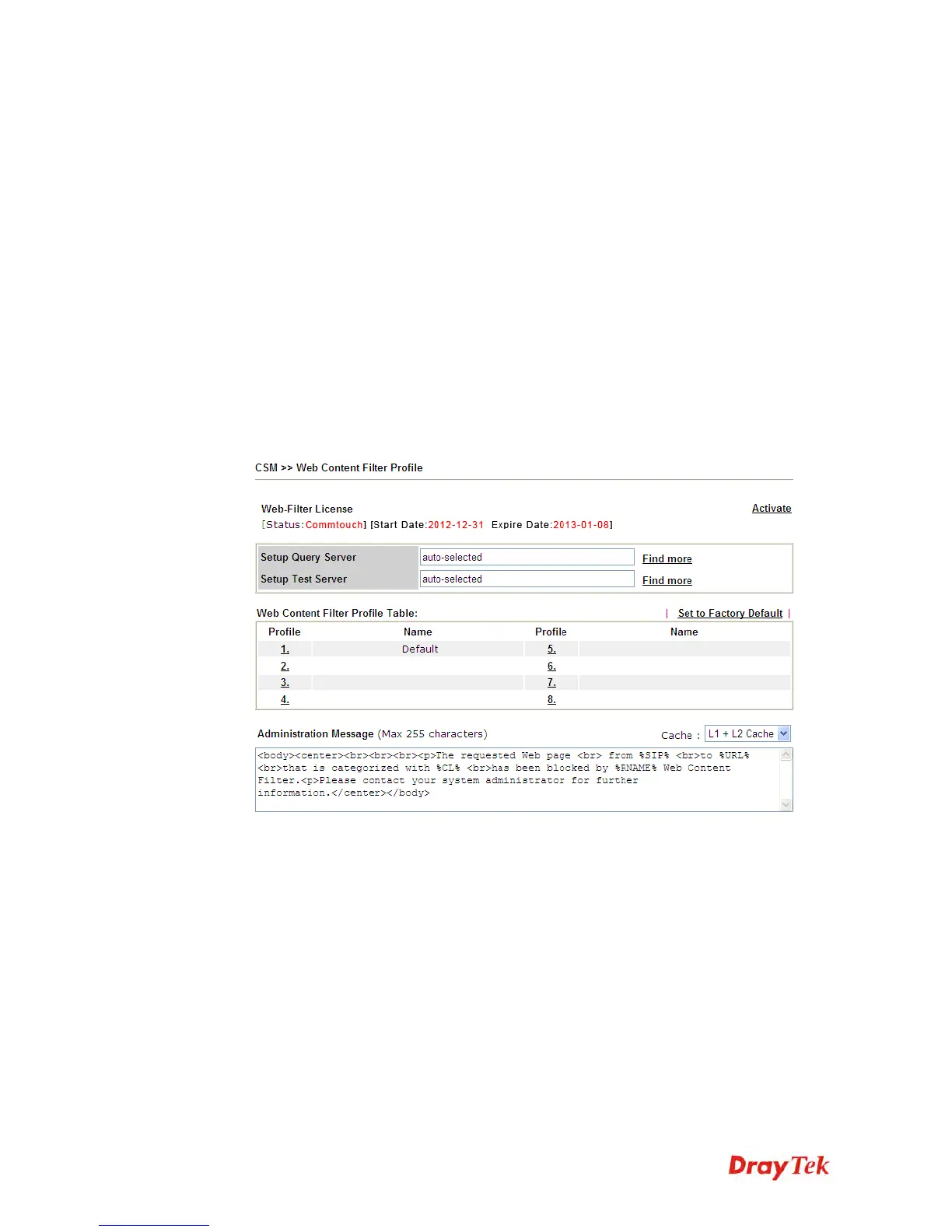
1. Make sure the Web Content Filter (powered by Commtouch) license is valid.















 To Next Page