Vigor2120 Series User’s Guide
3
1
1
.
.
2
2
L
L
E
E
D
D
I
I
n
n
d
d
i
i
c
c
a
a
t
t
o
o
r
r
s
s
a
a
n
n
d
d
C
C
o
o
n
n
n
n
e
e
c
c
t
t
o
o
r
r
s
s
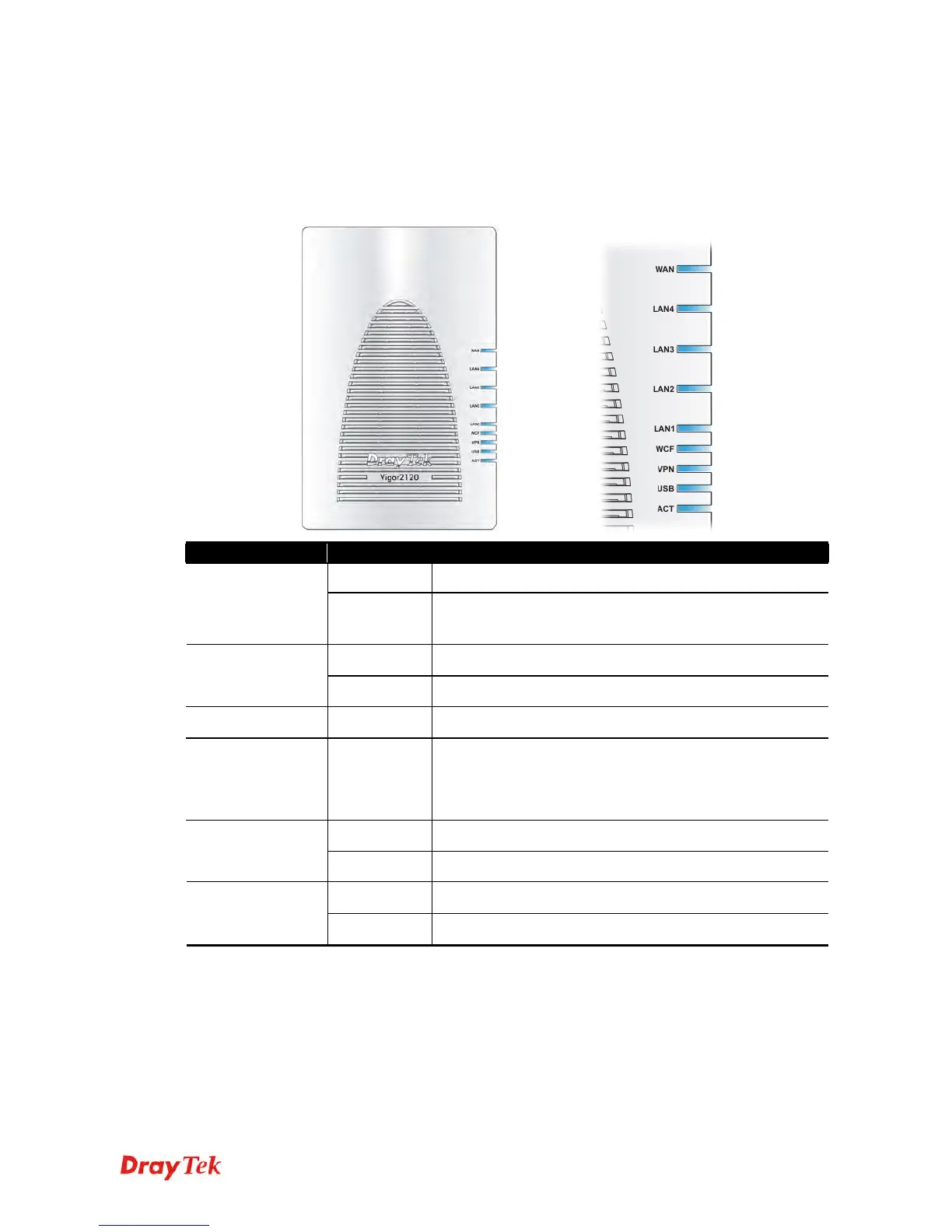
Before you use the Vigor router, please get acquainted with the LED indicators and connectors
first.
1
1
.
.
2
2
.
.
1
1
F
F
o
o
r
r
V
V
i
i
g
g
o
o
r
r
2
2
1
1
2
2
0
0
LED
Status Ex
lanation
Off The system is not ready or is failed. ACT
Blinking The system is ready and can work normally.
On A USB device is connected and active. USB
Blinking The data is transmitting.
VPN On The VPN tunnel is active.
WCF On The profile(s) of CSM (Content Security Management) for
Web Content Filter application can be enabled from
Firewall >>General Setup. (Such profile must be
established under CSM menu)
On A normal connection is through its corresponding
port. LAN 1 - 4
Off LAN is disconnected.
On The WAN port is connected. WAN
Blinking It will blink while transmitting data.















 To Next Page