Vigor2120 Series User’s Guide
371
Clear
Click this link to remove the result on the window.
4
4
.
.
1
1
6
6
.
.
9
9
D
D
a
a
t
t
a
a
F
F
l
l
o
o
w
w
M
M
o
o
n
n
i
i
t
t
o
o
r
r
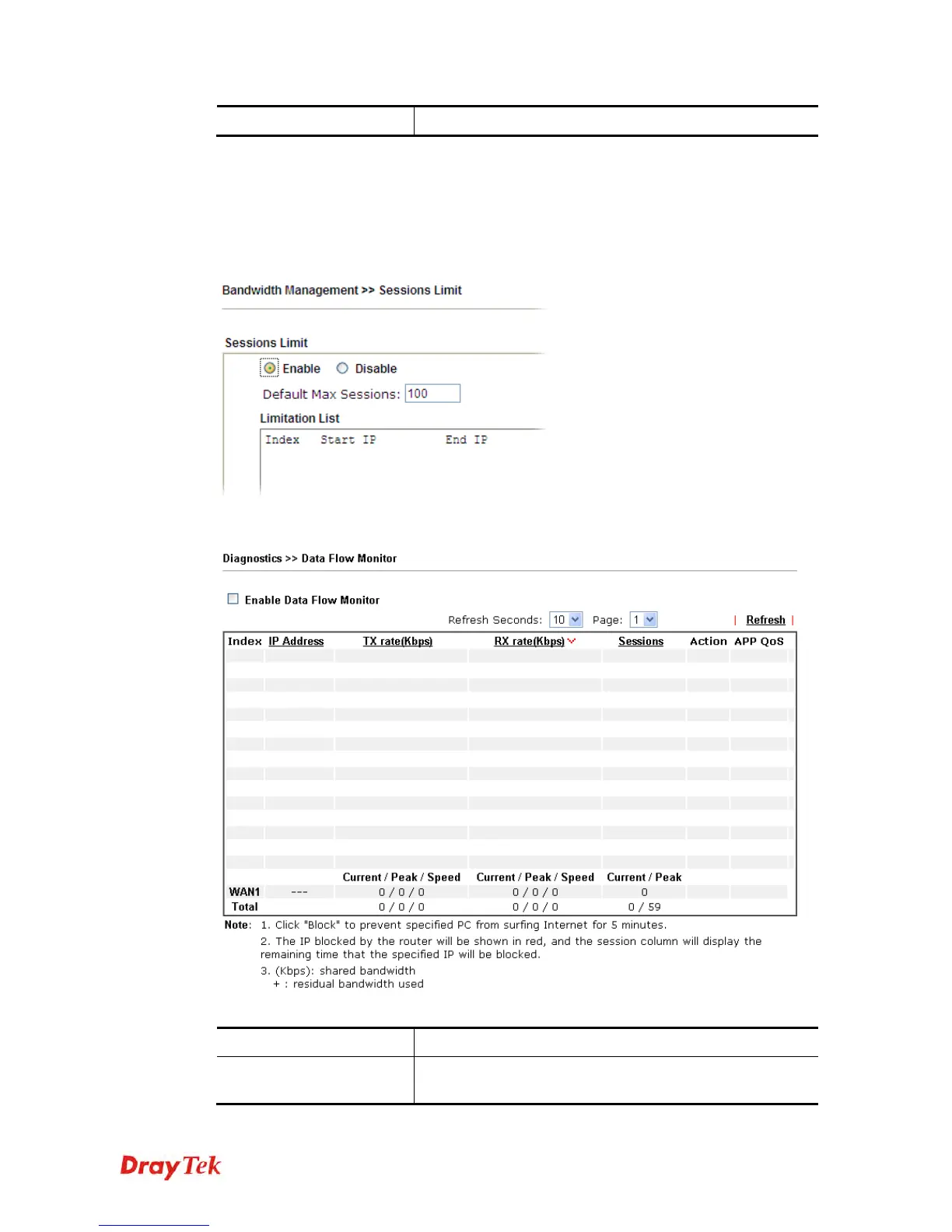
This page displays the running procedure for the IP address monitored and refreshes the data
in an interval of several seconds. The IP address listed here is configured in Bandwidth
Management. You have to enable IP bandwidth limit and IP session limit before invoking
Data Flow Monitor. If not, a notification dialog box will appear to remind you enabling it.
Click Diagnostics and click Data Flow Monitor to open the web page. You can click IP
Address, TX rate, RX rate or Session link for arranging the data display.
Available settings are explained as follows:
Item Description
Enable Data Flow
Monitor
Check this box to enable this function.















 To Next Page