Vigor2120 Series User’s Guide
294
4
4
.
.
1
1
1
1
.
.
3
3
C
C
e
e
r
r
t
t
i
i
f
f
i
i
c
c
a
a
t
t
e
e
B
B
a
a
c
c
k
k
u
u
p
p
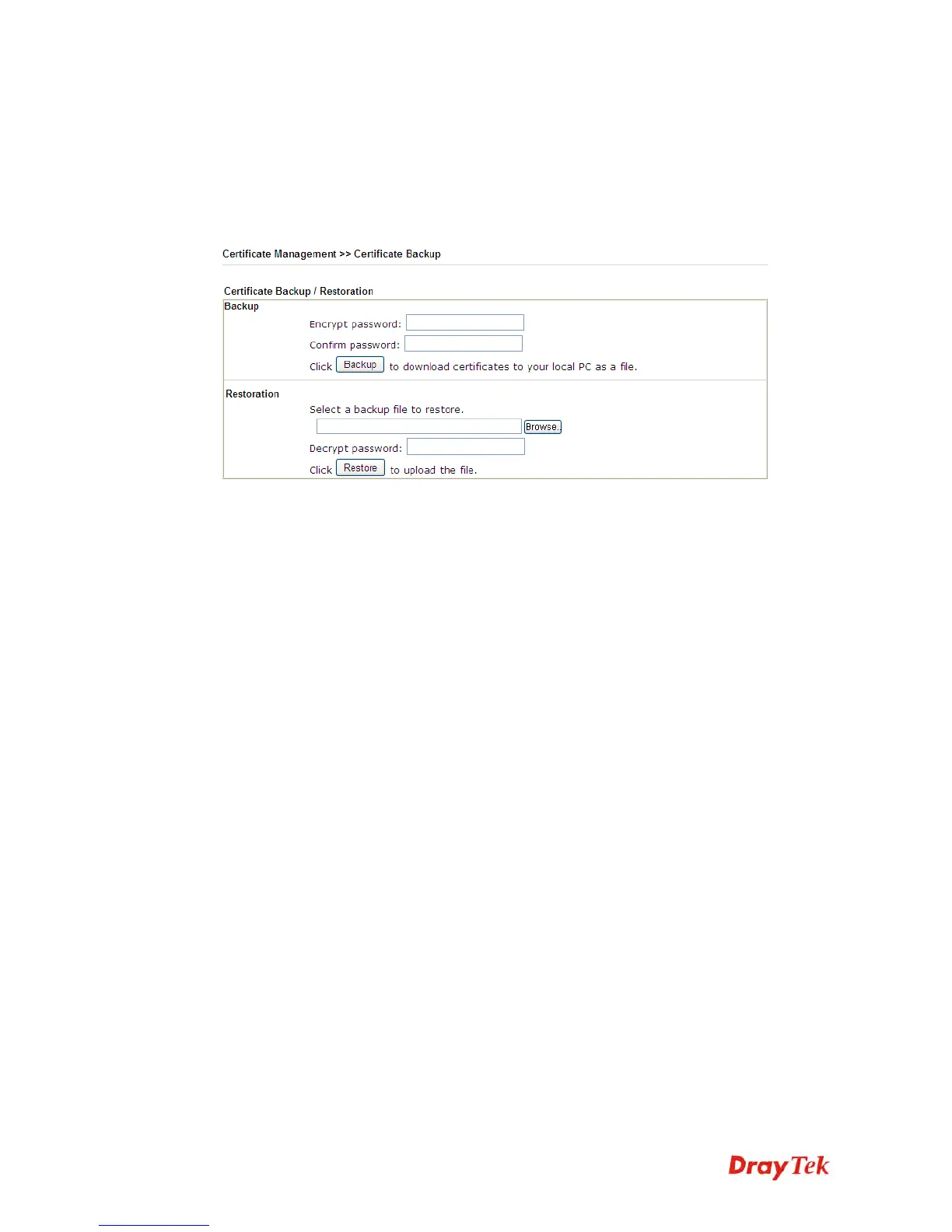
Local certificate and Trusted CA certificate for this router can be saved within one file. Please
click Backup on the following screen to save them. If you want to set encryption password for
these certificates, please type characters in both fields of Encrypt password and Retype
password.
Also, you can use Restore to retrieve these two settings to the router whenever you want.















 To Next Page