Vigor2120 Series User’s Guide
22
1
1
.
.
7
7
.
.
5
5
W
W
e
e
b
b
C
C
o
o
n
n
s
s
o
o
l
l
e
e
It is not necessary to use the telnet command via DOS prompt. The changes made by using
web console have the same effects as modified through web user interface. The
functions/settings modified under Web Console also can be reviewed on the web user
interface.
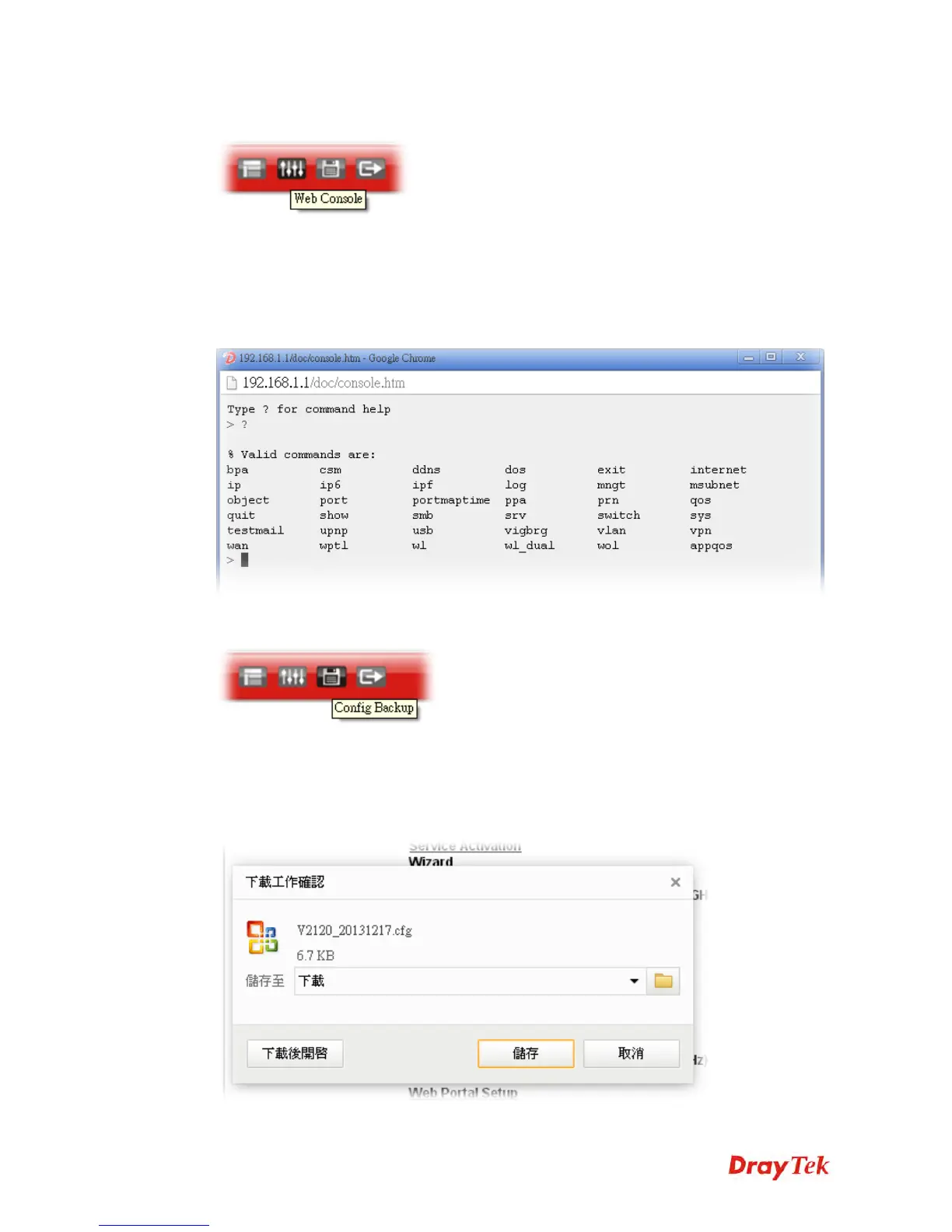
Click the Web Console icon on the top of the main screen to open the following screen.
1
1
.
.
7
7
.
.
6
6
C
C
o
o
n
n
f
f
i
i
g
g
B
B
a
a
c
c
k
k
u
u
p
p
There is one way to store current used settings quickly by clicking the Config Backup icon. It
allows you to backup current settings as a file. Such configuration file can be restored by using
System Maintenance>>Configuration Backup.
Simply click the icon on the top of the main screen and a pop up dialog will appear.















 To Next Page