Vigor2120 Series User’s Guide
390
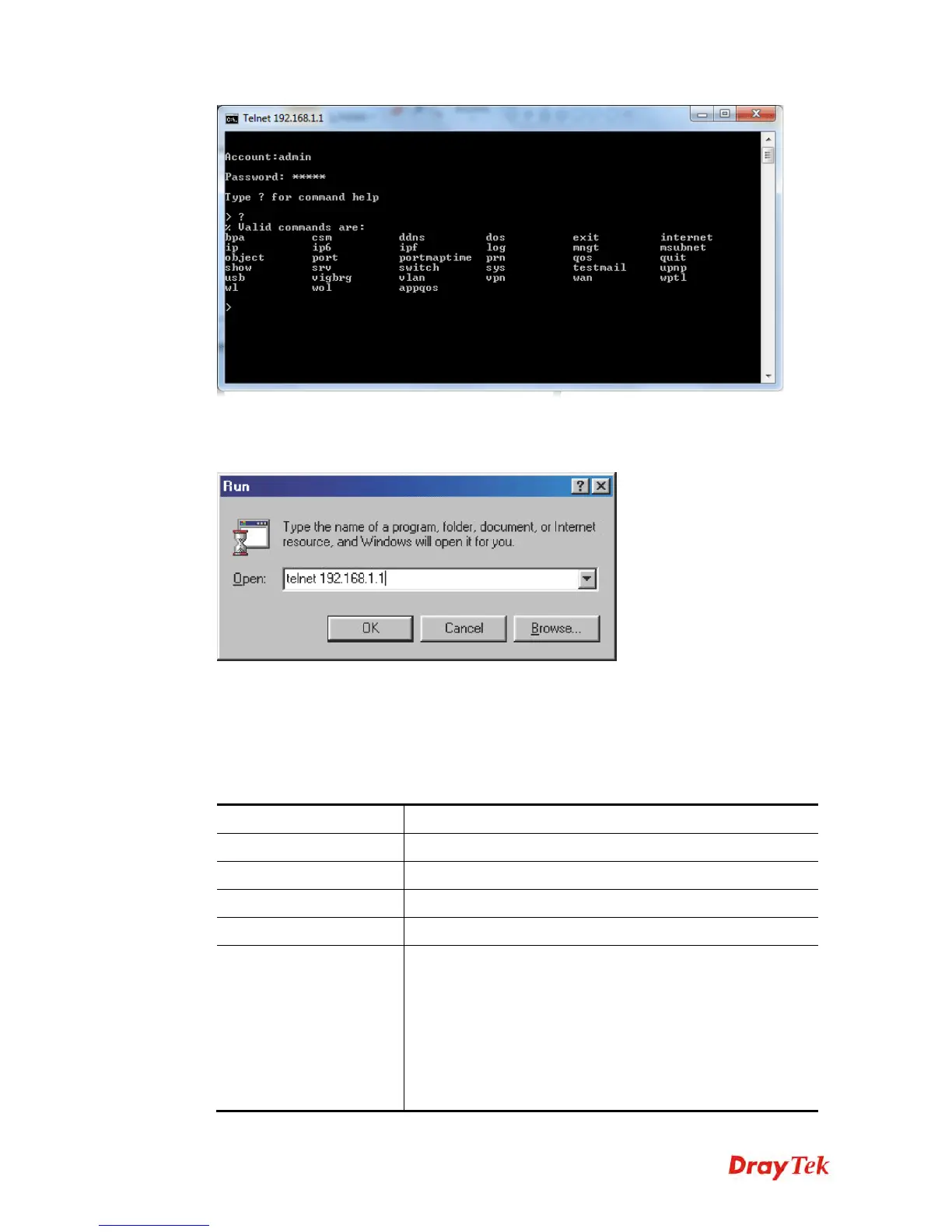
For users using previous Windows system (e.g., 2000/XP), simply click Start >> Run and
type Telnet 192.168.1.1 in the Open box as below. Next, type admin/admin for
Account/Password. And, type ? to get a list of valid/common commands
T
T
e
e
l
l
n
n
e
e
t
t
C
C
o
o
m
m
m
m
a
a
n
n
d
d
:
:
b
b
p
p
a
a
This command allows to configure a network setting specified for Australia’s ISP.
bpa m [-<command> <parameter> | ... ]
S
S
y
y
n
n
t
t
a
a
x
x
D
D
e
e
s
s
c
c
r
r
i
i
p
p
t
t
i
i
o
o
n
n
Parameter Description
m
Available settings are 1 and 2.
-a <enable> 1/0 to enable/disable this entry
-n <UserName> contact UserName(max. 24 characters)
-p <PassWord> contact PassWord (max. 24 characters)
-s <select> It means to specify an IP address for Server.
0 : no selection.
1 : NSW(61.9.192.13)
2 : QLD(61.9.208.13),
3 : VIC(61.9.128.13)
4 : SA(61.9.224.13),
5 : WA(61.9.240.13)















 To Next Page