Vigor2120 Series User’s Guide
403
T
T
e
e
l
l
n
n
e
e
t
t
C
C
o
o
m
m
m
m
a
a
n
n
d
d
:
:
e
e
x
x
i
i
t
t
Type this command will leave telnet window.
T
T
e
e
l
l
n
n
e
e
t
t
C
C
o
o
m
m
m
m
a
a
n
n
d
d
:
:
I
I
n
n
t
t
e
e
r
r
n
n
e
e
t
t
This command allows you to configure detailed settings for WAN connection.
internet -W n -M n [-<command> <parameter> | ... ]
S
S
y
y
n
n
t
t
a
a
x
x
D
D
e
e
s
s
c
c
r
r
i
i
p
p
t
t
i
i
o
o
n
n
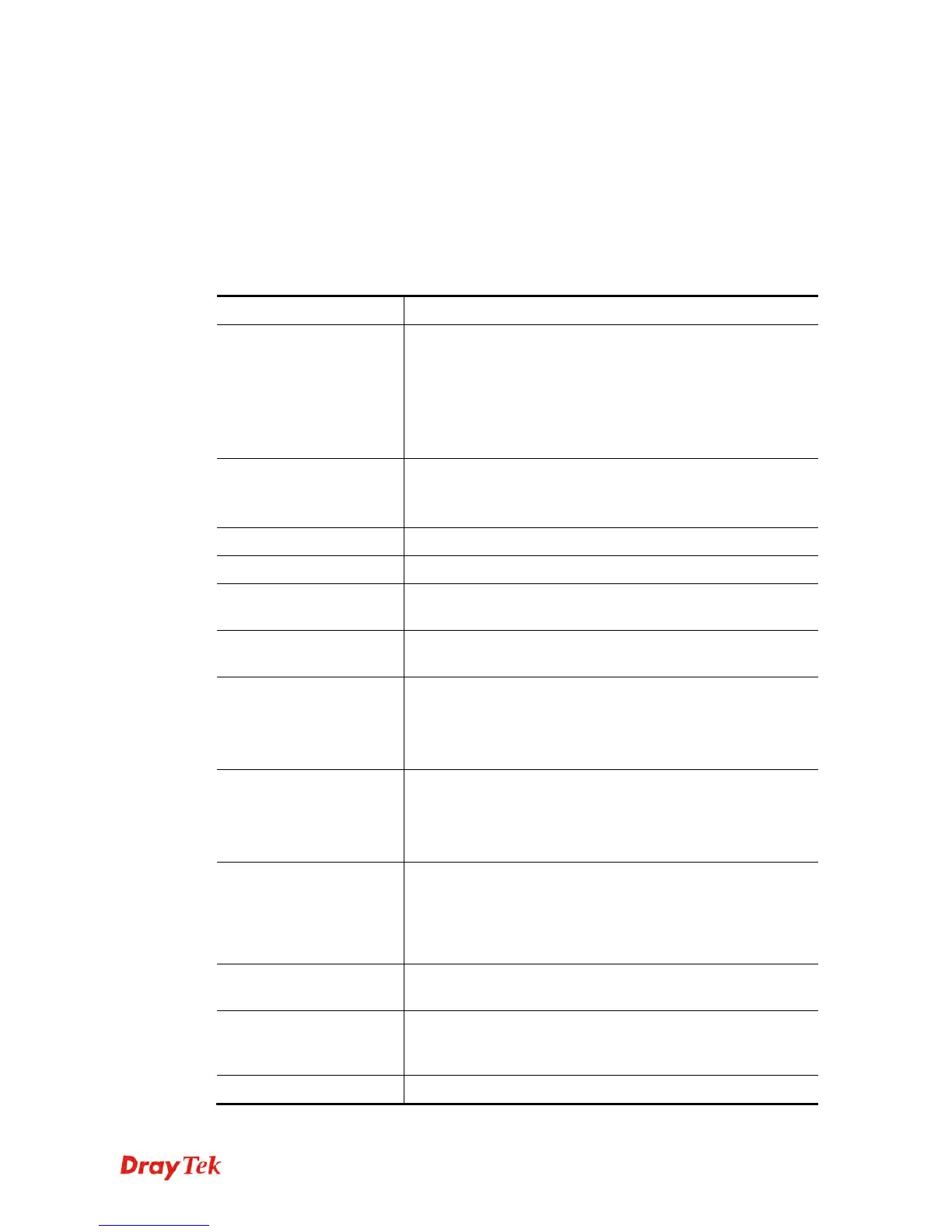
Parameter Description
-M n
M means to set Internet Access Mode (Mandatory) and n
means different modes (represented by 0 – 3)
n=0: Offline
n=1: PPPoE
n=2: Dynamic IP
n=3: Static IP
<command><parameter
>|…]
The available commands with parameters are listed below.
[…] means that you can type in several commands in one
line.
-S <isp name>
It means to set ISP Name (max. 23 characters).
-P <on/off>
It means to enable PPPoE Service.
-u <username>
It means to set username (max. 49 characters) for Internet
accessing.
-p <password>
It means to set password (max. 49 characters) for Internet
accessing.
-a n
It means to set PPP Authentication Type and n means
different types (represented by 0-1).
n=0: PAP/CHAP (this is default setting)
n=1: PAP Only
-t n
It means to set connection duration and n means different
conditions.
n=-1: Always-on
n=1 ~ 999: Idle time for offline (default 180 seconds)
-i <ip address>
It means that PPPoE server will assign an IP address
specified here for CPE (PPPoE client).
If you type 0.0.0.0 as the <ip address>, ISP will assign
suitable IP address for you. However, if you type an IP
address here, the router will use that one as a fixed IP.
-w <ip address>
It means to assign WAN IP address for such connection.
Please type an IP address here for WAN port.
-n <netmask>
It means to assign netmask for WAN connection. You have
to type 255.255.255.xxx (x is changeable) as the netmask for
WAN port.
-g <gateway>
It means to assign gateway IP for such WAN connection.















 To Next Page