Vigor2120 Series User’s Guide
498
off
It means to turn off pulling buffer.
E
E
x
x
a
a
m
m
p
p
l
l
e
e
> sys pollbuf on
% Buffer polling is on!
> sys pollbuf off
% Buffer polling is off!
T
T
e
e
l
l
n
n
e
e
t
t
C
C
o
o
m
m
m
m
a
a
n
n
d
d
:
:
s
s
y
y
s
s
t
t
r
r
0
0
6
6
9
9
This command can set CPE settings for applying in VigorACS.
sys tr069 get [parm] [option]
sys tr069 set [parm] [value]
sys tr069 getnoti [parm]
sys tr069 setnoti [parm] [value]
sys tr069 log
sys tr069 debug [on/off]
sys tr069 save
sys tr069 inform [event code]
sys tr069 port [port num]
sys tr069 cert_auth [on/off]
S
S
y
y
n
n
t
t
a
a
x
x
D
D
e
e
s
s
c
c
r
r
i
i
p
p
t
t
i
i
o
o
n
n
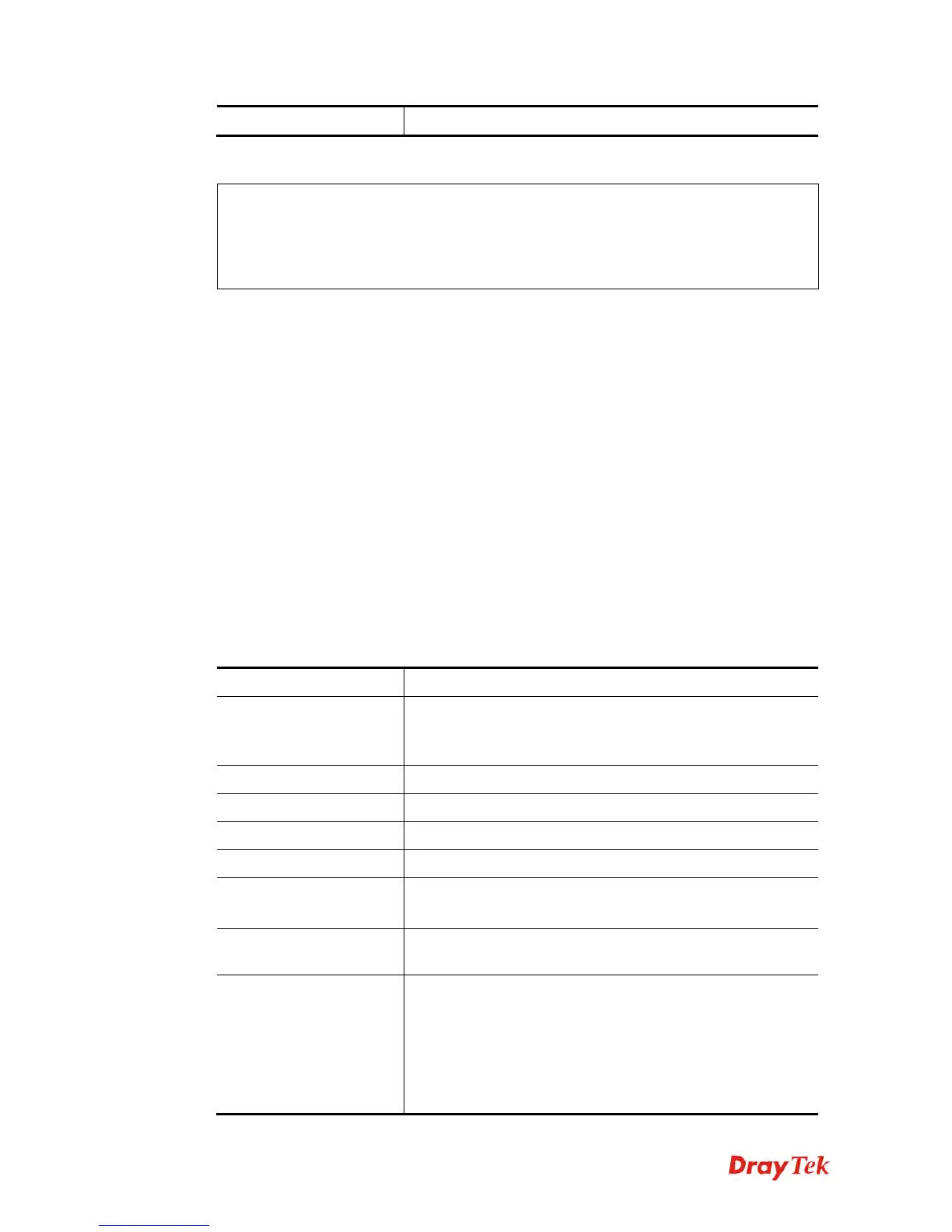
Parameter Description
get [parm] [option]
It means to get parameters for tr-069.
option=<nextlevel>: only gets nextlevel for
GetParameterNames.
set [parm] [value]
It means to set parameters for tr-069.
getnoti [parm]
It means to get parameter notification value.
setnoti [parm] [value]
It means to set parameter notification value.
log
It means to display the TR-069 log.
debug [on/off]
on: turn on the function of sending debug message to syslog.
off: turn off the function of sending debug message to syslog.
save
It means to save the parameters to the flash memory of the
router.
Inform [event code]
It means to inform parameters for tr069 with different event
codes.
[event code] includes:
0-"0 BOOTSTRAP",
1-"1 BOOT",
2-"2 PERIODIC",















 To Next Page