Vigor2120 Series User’s Guide
96
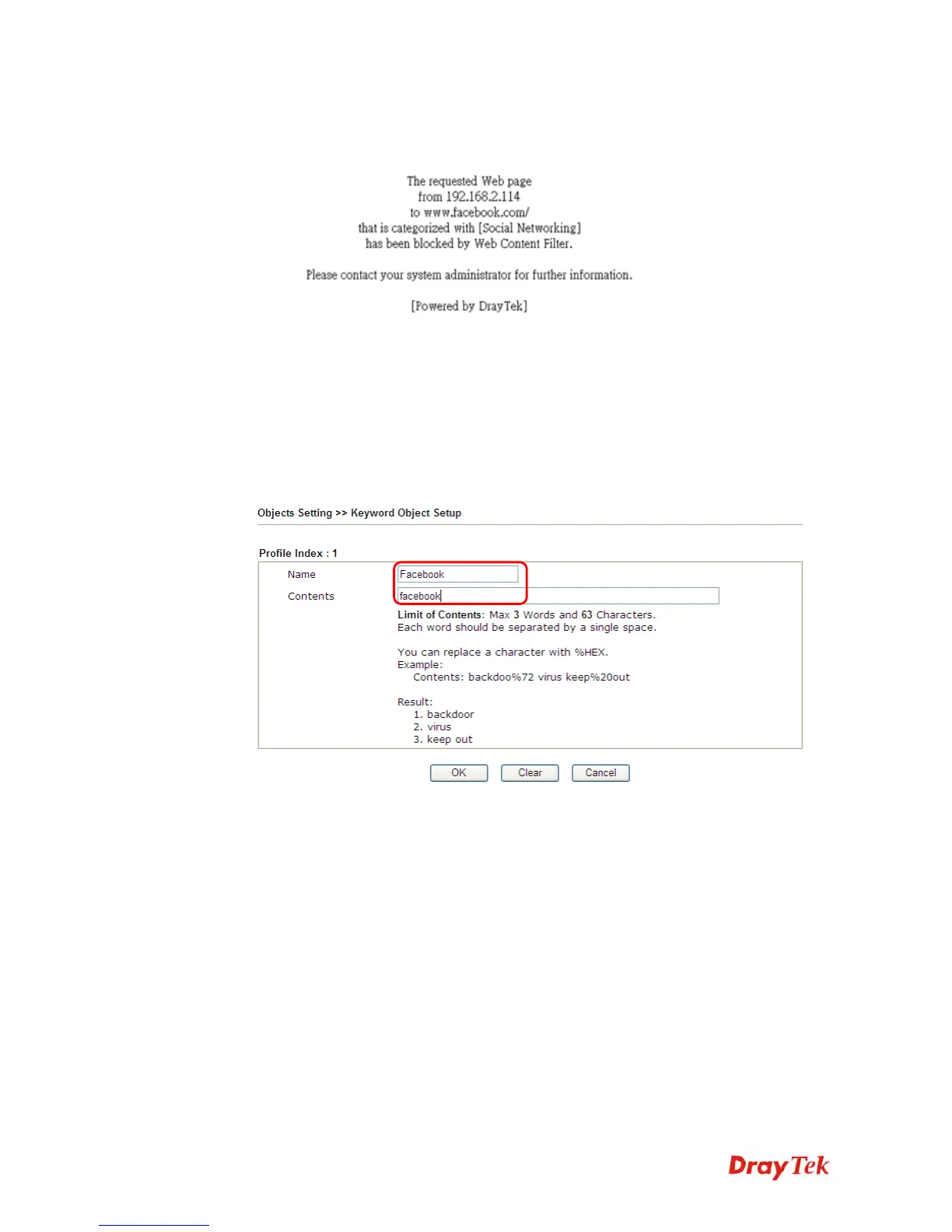
4. Next time when someone accesses facebook via this router, the web page would be
blocked and the following message would be displayed instead.
I
I
I
I
.
.
V
V
i
i
a
a
U
U
R
R
L
L
C
C
o
o
n
n
t
t
e
e
n
n
t
t
F
F
i
i
l
l
t
t
e
e
r
r
A. Block the web page containing the word of “Facebook”
1. Open Object Settings>>Keyword Object. Click an index number to open the setting
page.
2. In the field of Contents, please type facebook. Configure the settings as the following
figure.
3. Open CSM>>URL Content Filter Profile. Click an index number to open the setting
page.
4. Configure the settings as the following figure.















 To Next Page