Vigor2120 Series User’s Guide
138
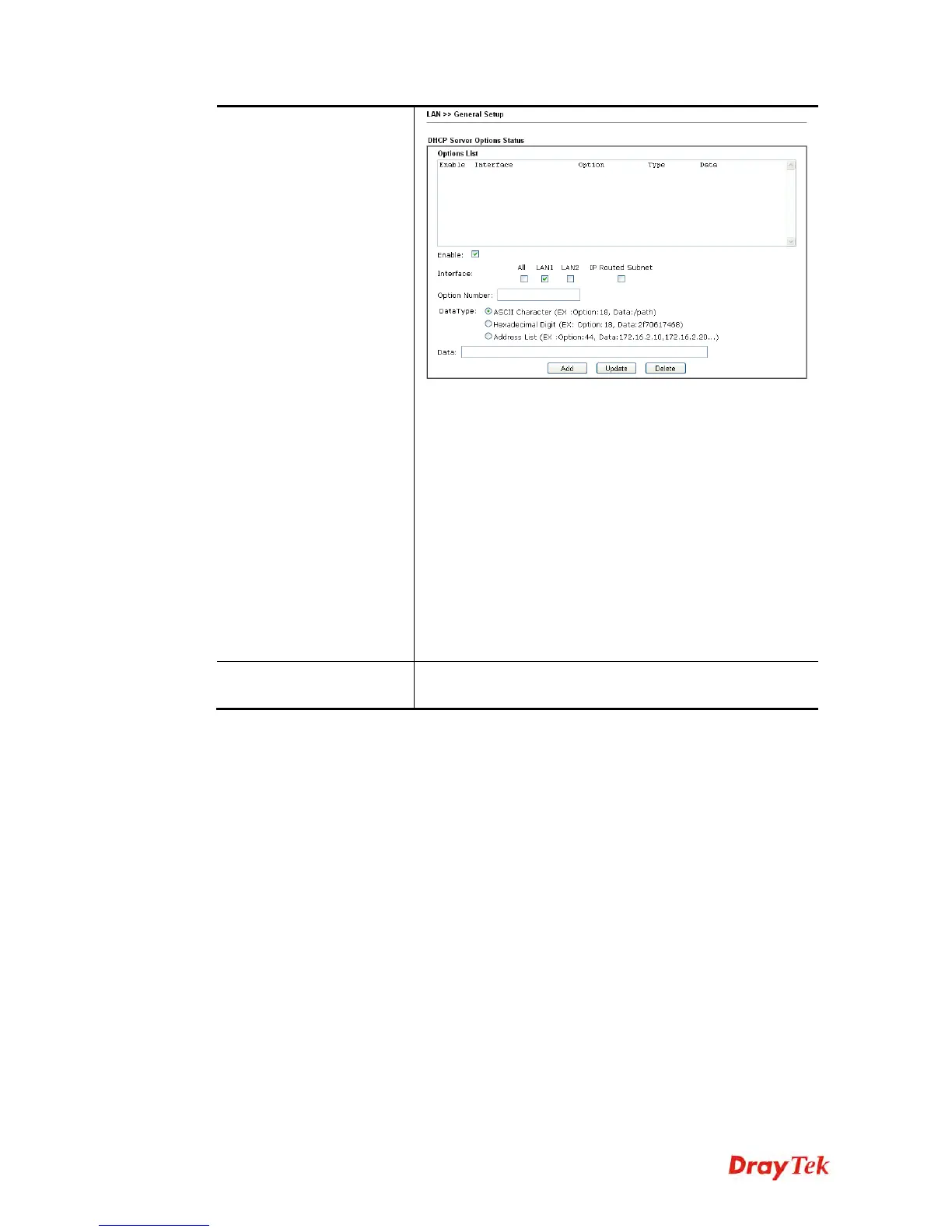
Enable – Check the box to enable the function of DHCP
Option. Each DHCP option is composed by an option
number with data. For example,
Option number:100
Data: abcd
When such function is enabled, the specified values for
DHCP option will be seen in DHCP reply packets.
Interface – Choose the interface for applying such option.
Option Number – Type a number for such function.
DataType – Choose the type (ASCII or Hex or Address)
for the data to be stored.
Data – Type the content of the data to be processed by the
function of DHCP option.
Inter-LAN Routing
Check the box to link two or more different subnets (LAN
and LAN).















 To Next Page