Vigor2120 Series User’s Guide
174
Comment
Type the text to memorize the application of this rule.
Source IP
Use the drop down list to specify an IP object. Or click IP
Object link to create a new one for applying.
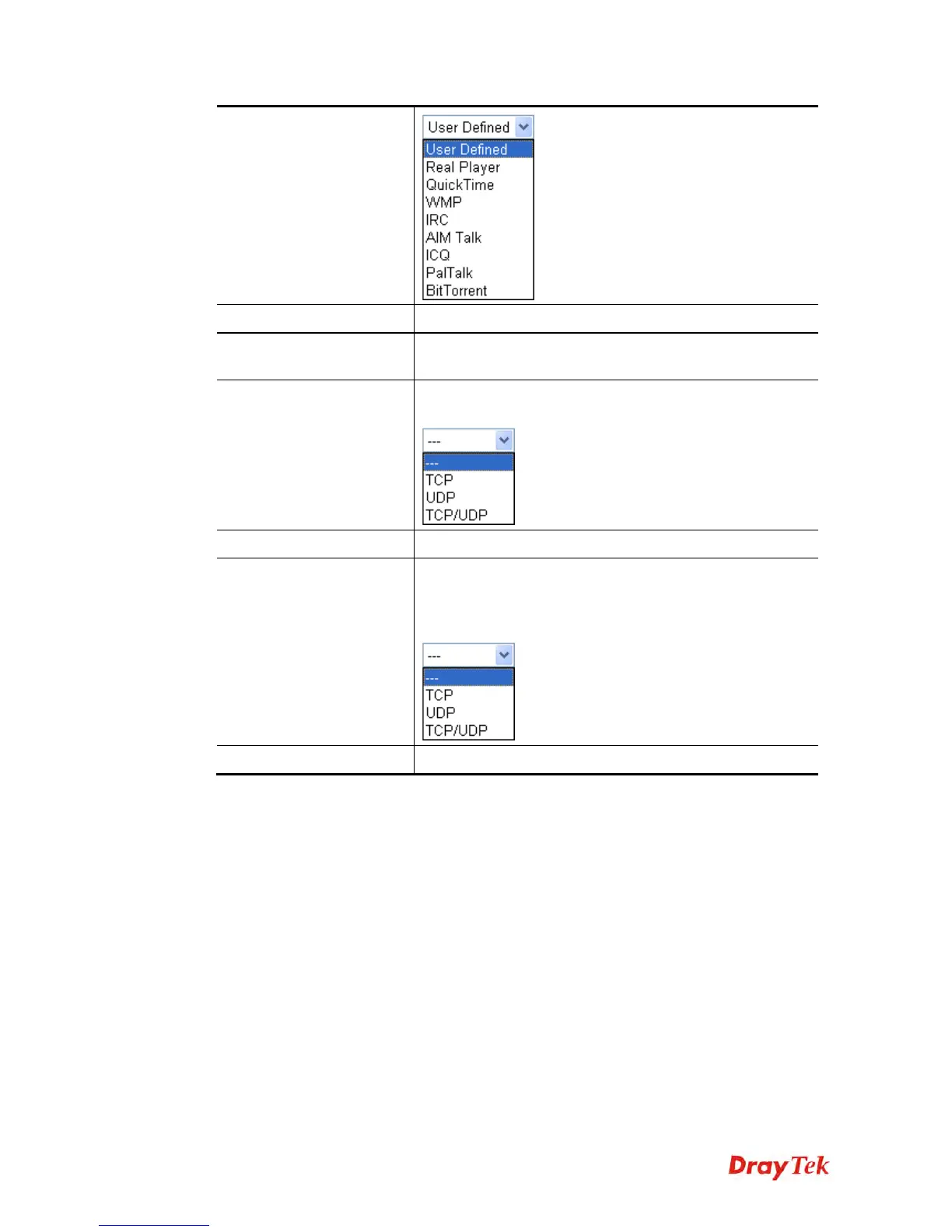
Triggering Protocol
Select the protocol (TCP, UDP or TCP/UDP) for such
triggering profile.
Triggering Port
Type the port or port range for such triggering profile.
Incoming Protocol
When the triggering packets received, it is expected the
incoming packets will use the selected protocol. Select the
protocol (TCP, UDP or TCP/UDP) for the incoming data of
such triggering profile.
Incoming Port
Type the port or port range for the incoming packets.
After finishing all the settings here, please click OK to save the configuration.















 To Next Page