Vigor2120 Series User’s Guide
187
DNS Filter - Select one of the DNS Filter profile settings
(created in CSM>>DNS Filter) for applying with this
router. Please set at least one profile in CSM>> Web
Content Filter web page first. Or click the DNS Filter link
from the drop down list in this page to create a new profile.
Block Immediately
Packets matching the rule will be dropped immediately.
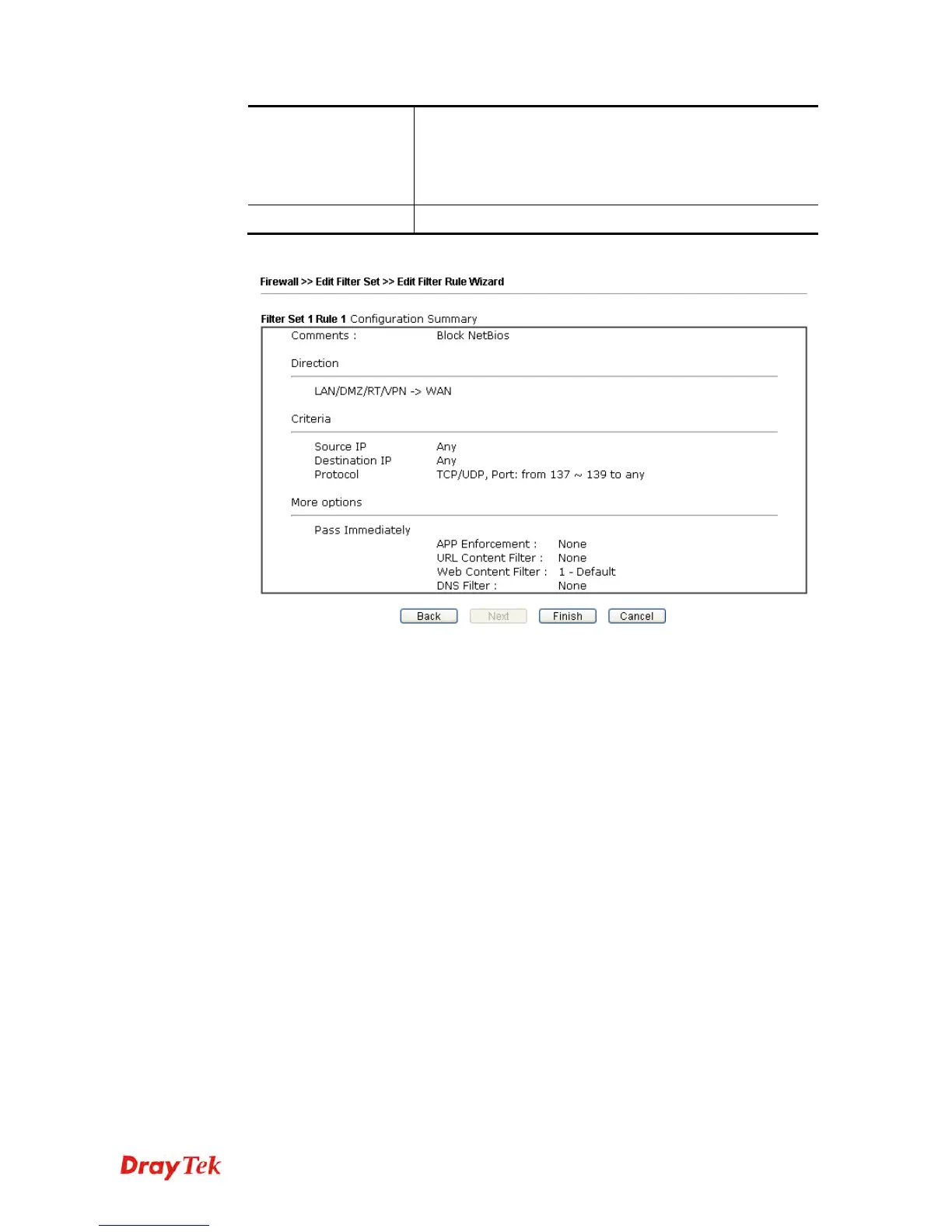
4. After choosing the mechanism, click Next to get the summary page for reference.
5. If there is no error, click Finish to complete wizard setting.















 To Next Page