Vigor2120 Series User’s Guide
213
To set a new profile, please do the steps listed below:
1. Click the number (e.g., #1) under Profile column for configuration in details.
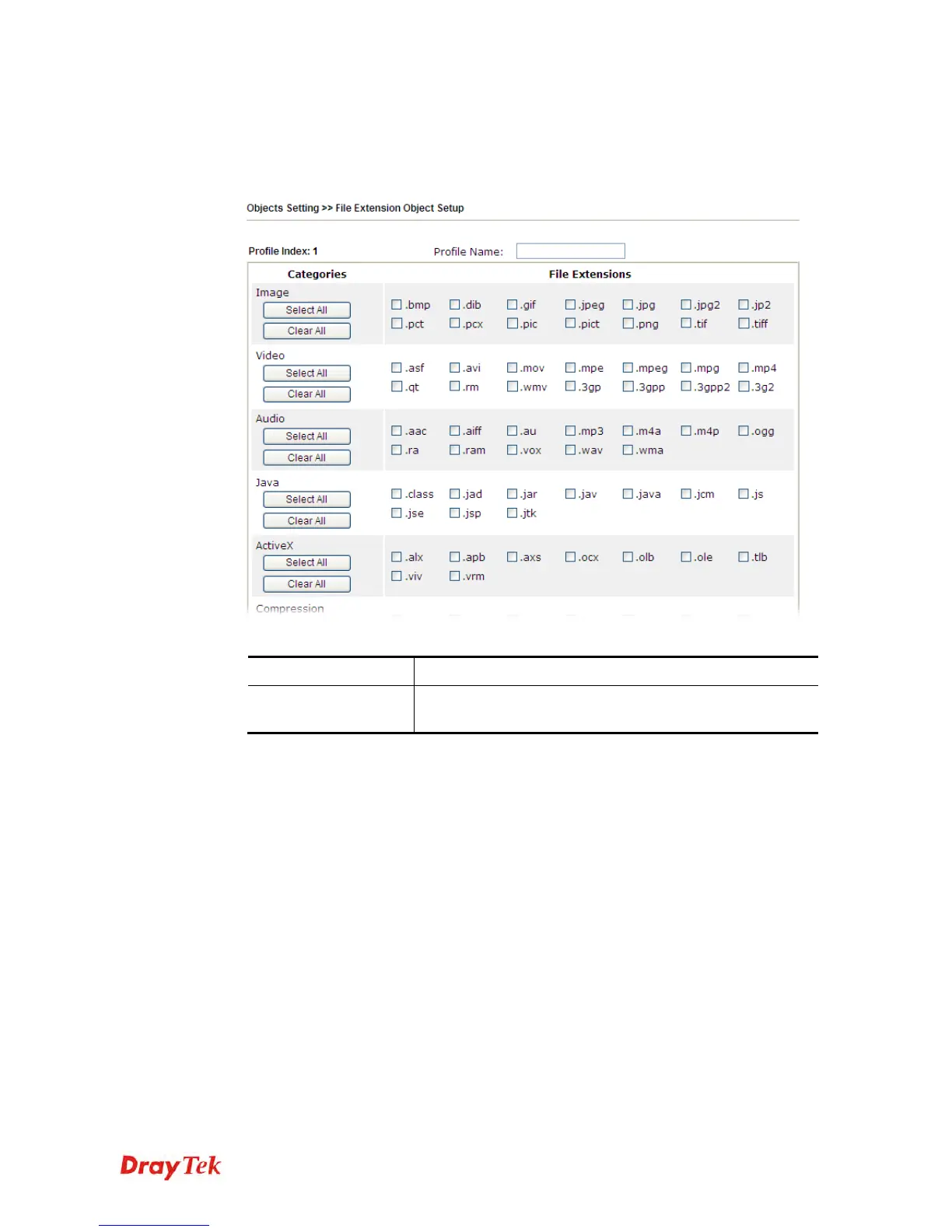
2. The configuration page will be shown as follows:
Available settings are explained as follows:
Item Description
Profile Name
Type a name for this profile. The maximum length of the
name you can set is 7 characters.
3. Type a name for such profile and check all the items of file extension that will be
processed in the router. Finally, click OK to save this profile.















 To Next Page