Vigor2120 Series User’s Guide
223
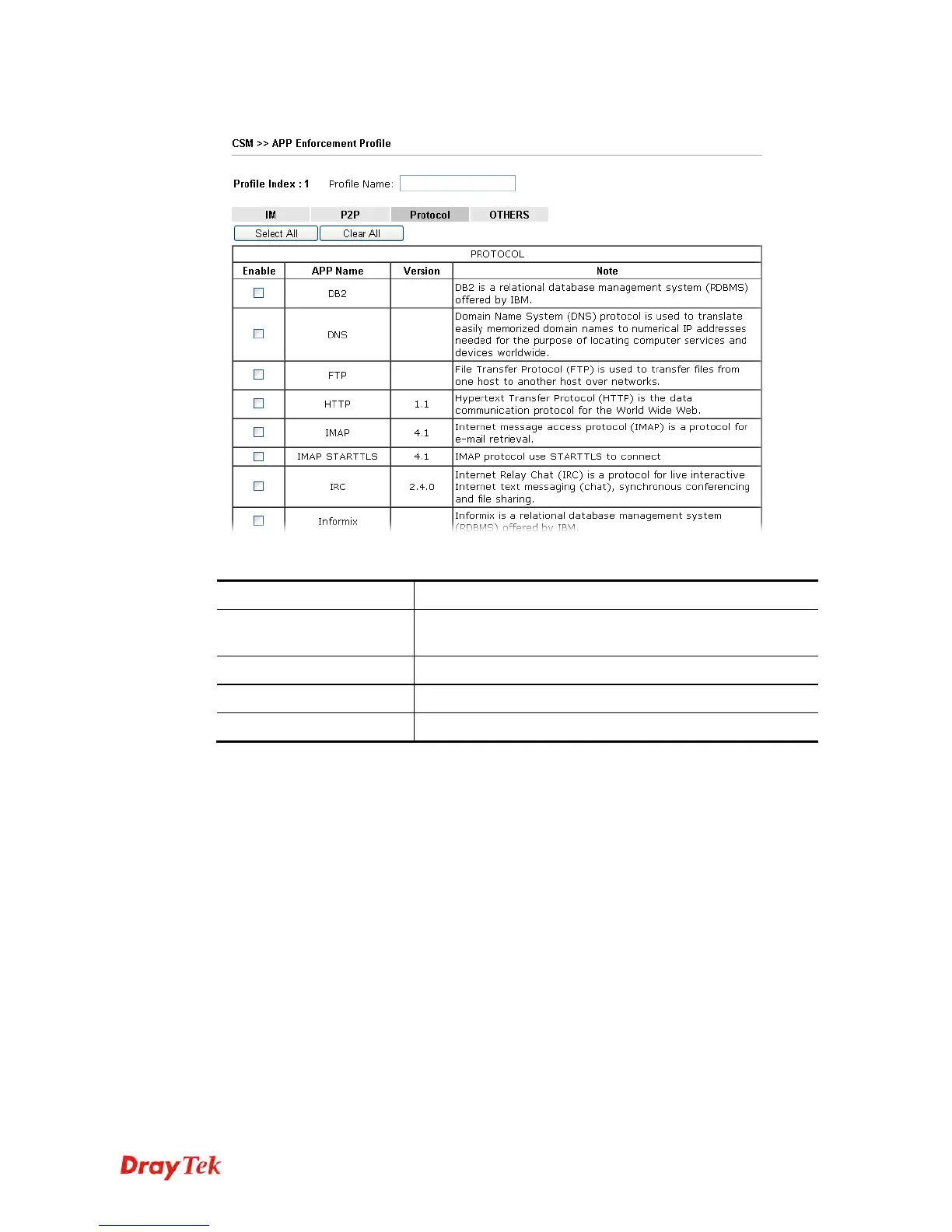
Below shows the items which are categorized under Protocol.
Available settings are explained as follows:
Item Description
Profile Name
Type a name for the CSM profile. The maximum length of
the name you can set is 15 characters.
Select All
Click it to choose all of the items in this page.
Clear All
Uncheck all the selected boxes.
Enable
Check it to block the packets of the APP.
The profiles configured here can be applied in the Firewall>>General Setup and
Firewall>>Filter Setup pages as the standard for the host(s) to follow.















 To Next Page