Vigor2120 Series User’s Guide
300
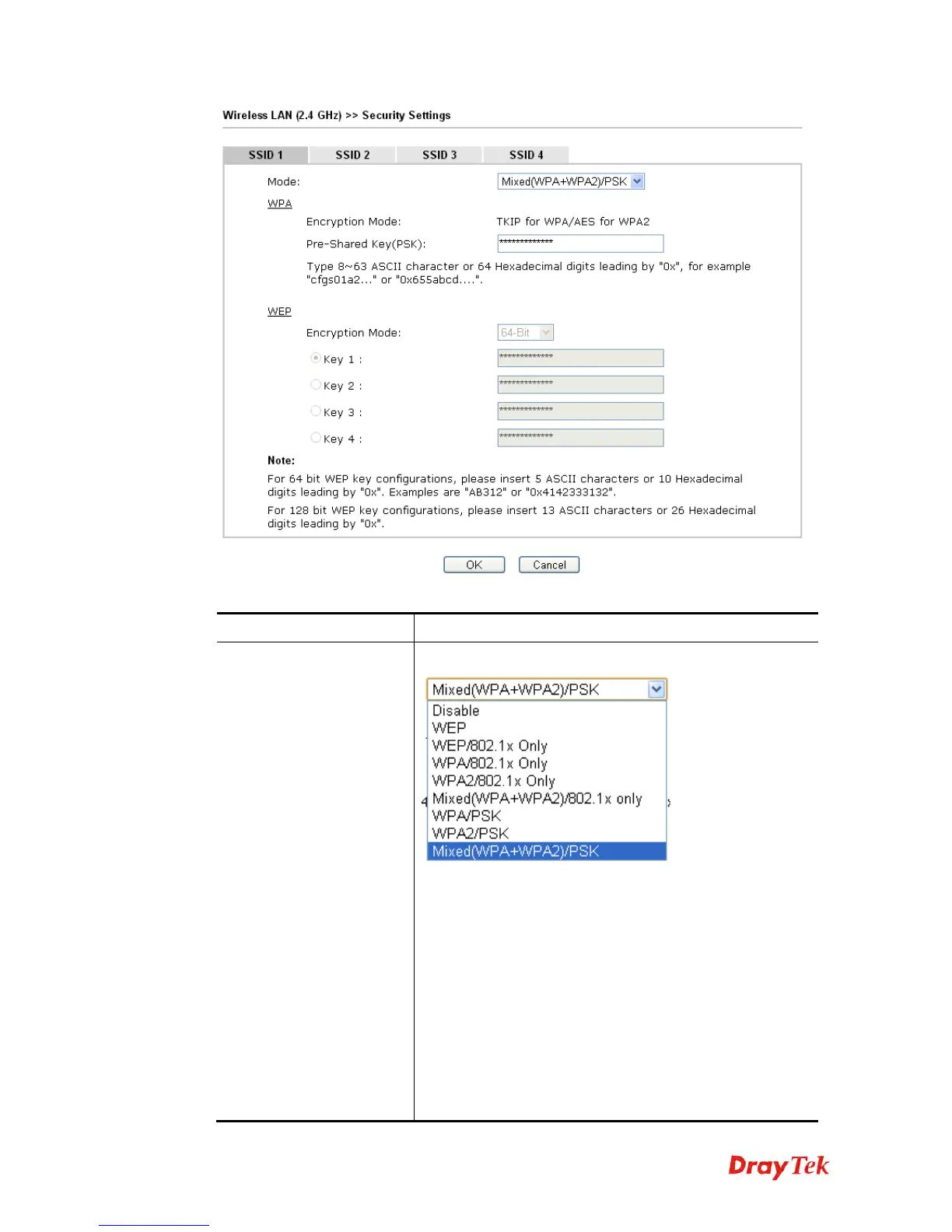
Available settings are explained as follows:
Item Description
Mode
There are several modes provided for you to choose.
Note: You should also set RADIUS Server simultaneously
if 802.1x mode is selected.
Disable - Turn off the encryption mechanism.
WEP-Accepts only WEP clients and the encryption key
should be entered in WEP Key.
WEP/802.1x Only - Accepts only WEP clients and the
encryption key is obtained dynamically from RADIUS
server with 802.1X protocol.
WPA/802.1x Only- Accepts only WPA clients and the
encryption key is obtained dynamically from RADIUS
server with 802.1X protocol.
WPA2/802.1x Only- Accepts only WPA2 clients and the















 To Next Page