Vigor2120 Series User’s Guide
66
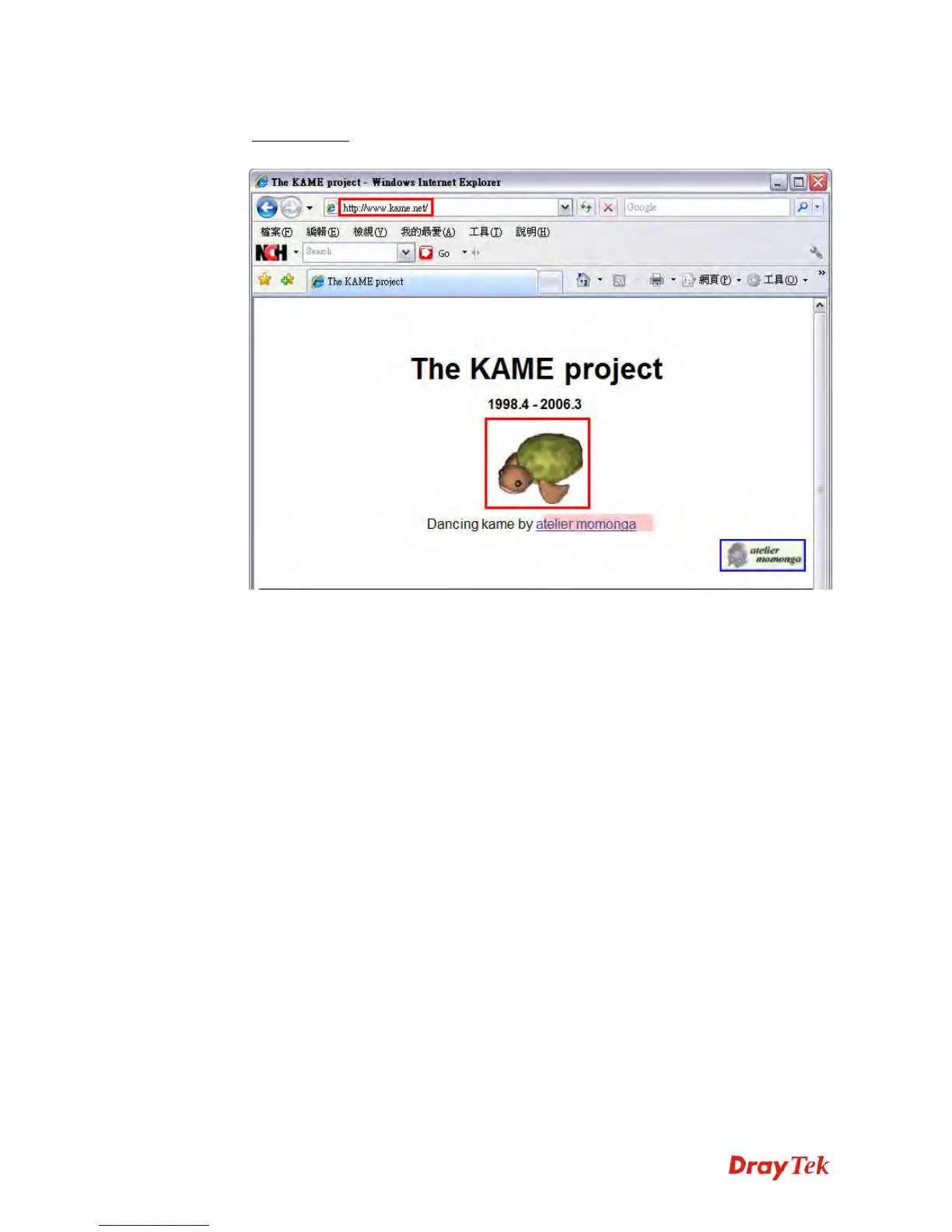
3. Connect to the website for IPv6. Open a web browser and type an URL of IPv6, e.g.,
www.kame.net
. If your computer accesses into the website by using IPv6 address, you
may see a turtle dancing on the screen. If not, only a steady turtle will be seen.
If you can see a turtle dancing on the screen, that means IPv6 service is ready for you to
access and utilize.















 To Next Page