VigorAP 800 User’s Guide
57
WMM Capable
To apply WMM parameters for wireless data transmission,
please click the Enable radio button.
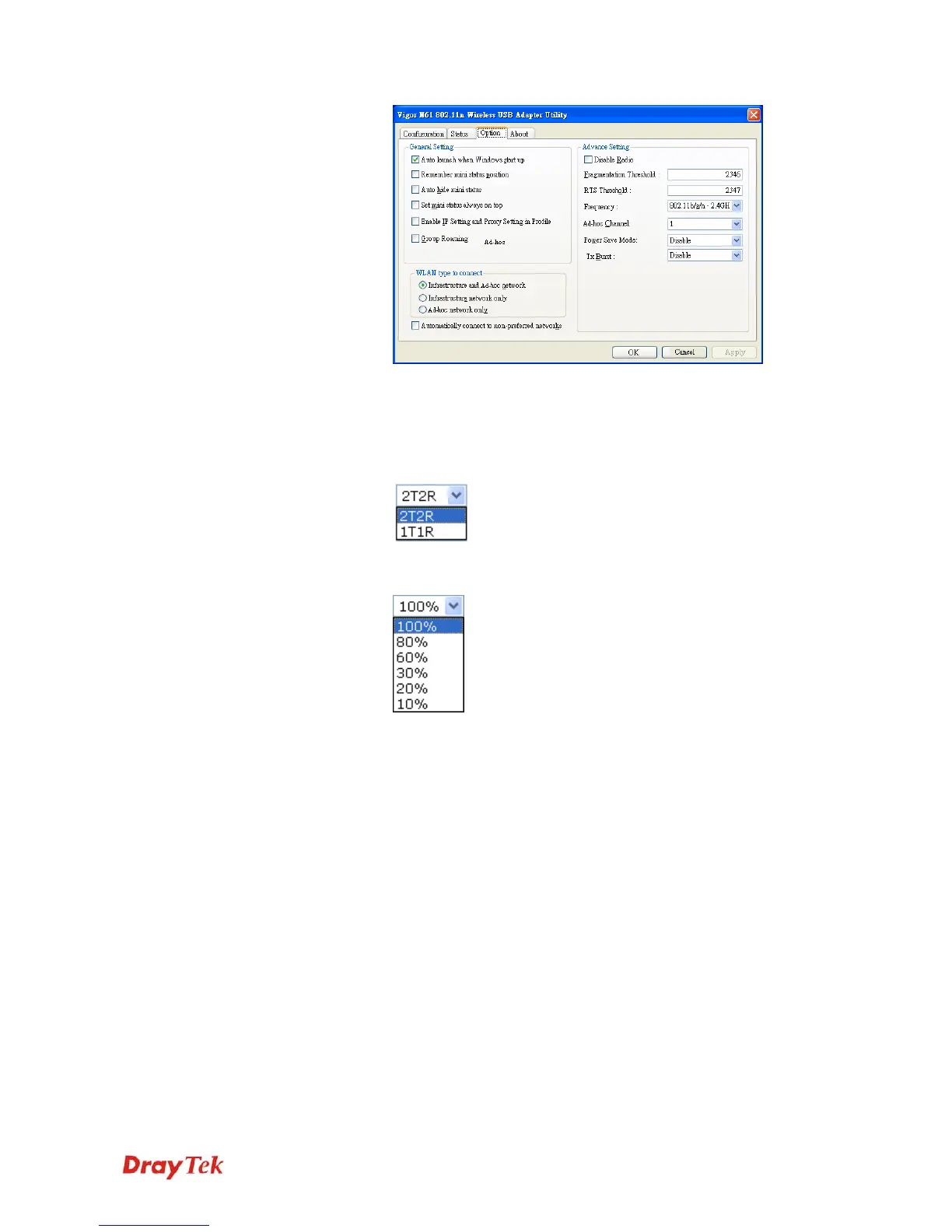
Antenna
VigorAP 800 can be attached with two antennas to have good
data transmission via wireless connection. However, if you have
only one antenna attached, please choose 1T1R.
Tx Power
The default setting is the maximum (100%). Lower down the
value may degrade range and throughput of wireless.












 To Next Page