MANUAL PC-200
Ver. 2.12.xx/10/22/2010-UK
Page 14 (61)
DI 1. P1 Not in auto
A contact from the manual-0-auto switch is used to register when a pump is not in the auto position. When all
pumps are in the auto position the AUTO diode will show a fixed yellow light. If a pump is not in auto position
the Auto diode will show a blinking yellow light and the actual pump will be marked with | 1 | in the information
window.
DI 2. P1 Motor protector
Signal indicates activated motor protection for the pump. This signal does not block the pump as the motor
protector has to be reset manually externally.
DI 3. P2 Not in auto
A contact from the manual-0-auto switch is used to register when a pump is not in the auto position. When all
pumps are in the auto position the AUTO diode will show a fixed yellow light. If a pump is not in auto position
the Auto diode will show a blinking yellow light and the actual pump will be marked with | 1 | in the information
window.
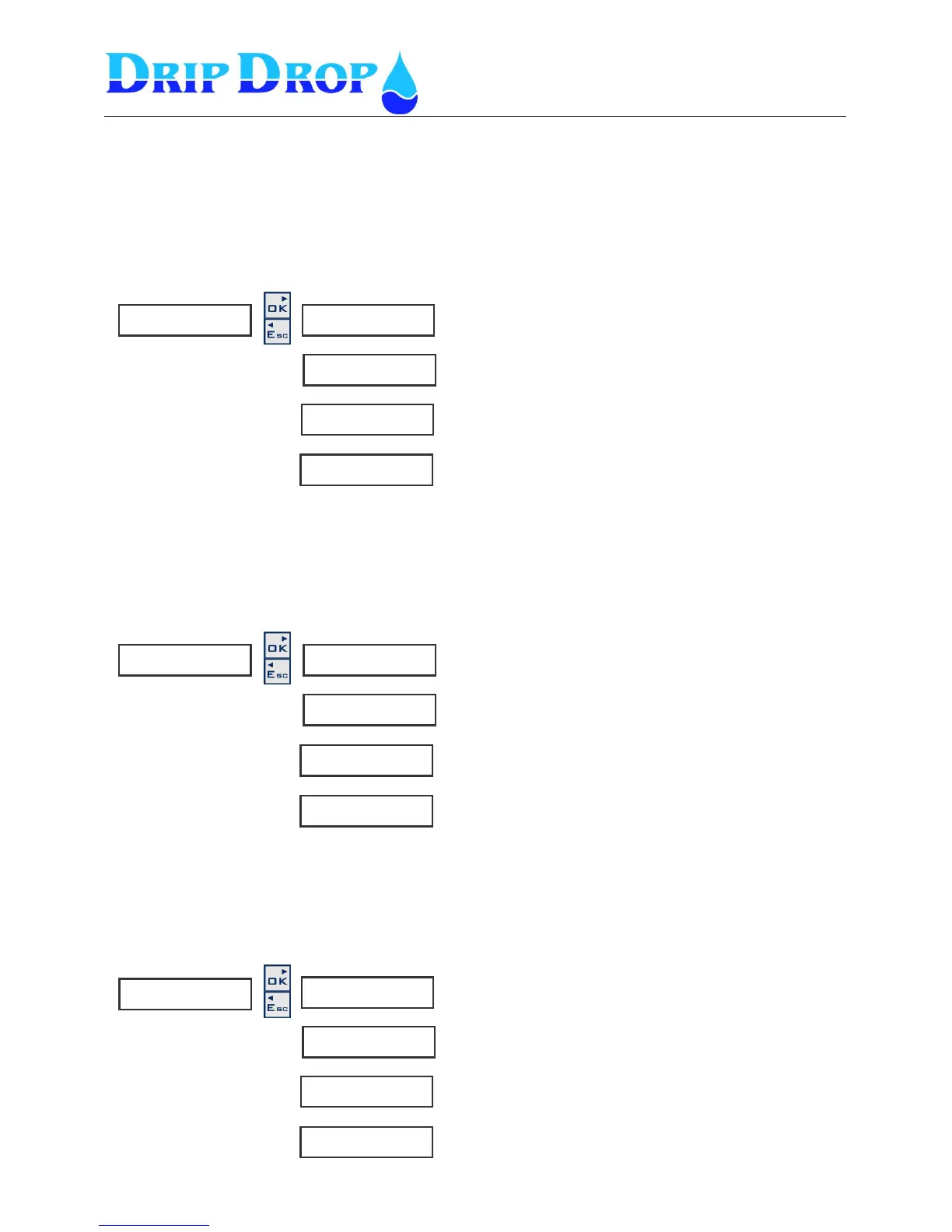
1 . P 1 N o t i n A u t o ►
◄◄
F u n c t i o n
◄◄◄ n o t i n u s e
S i g n a l t y p e
◄◄◄ N C
A l a r m f u n c t i o n
◄◄◄ N o
A l a r m d e l a y [ s ]
◄◄◄ 1 . 0
- Here you set if the function is used or not.
- Here you set the signal type NO or NC.
- Here you set if the alarm function shall be used or
not. Yes or No
- Here you set the alarm delay.
2 . P 1 M o t o r p r o t . ►
◄◄
F u n c t i o n
◄ ◄ ◄ n o t i n u s e
S i g n a l t y p
◄◄◄ N C
A l a r m f u n c t i o n
◄◄◄ N o
A l a r m d e l a y [ s ]
◄◄◄ 1 . 0
- Here you set if the input is used or not.
- Here you set the signal type NO or NC
- Here you set the alarm function : Yes or No
- Here you set the alarm delay.
- Here you set if the function is used or not.
- Here you set the signal type NO or NC.
- Here you set the alarm function Yes or No
- Here you set the alarm delay
.
3 . P 2 N o t i n A u t o ►
◄◄
F u n c t i o n
◄ n o t i n u s e
S i g n a l t y p e
◄◄ N C
A l a r m f u n c t i o n
◄◄◄ N o
A l a r m d e l a y [ s ]
◄◄◄ 1 . 0


 To Next Page