MANUAL PC-200
Ver. 2.12.xx/10/22/2010-UK
Page 37 (61)
H a y e s s t r i n g
◄◄◄ % r H 0 E 0 Q
0
M o d e m t y p e
◄◄◄ G S M
0
P i n c o d e
◄◄◄ 0 0 0 0
0
R e s e t p u l s e [ s ]
◄◄◄ 0
0
A l r m . R e s e n d n o .
◄◄◄ 2
0
R e t r y t i m e
◄◄◄ 0
0
C a l l a l a r m O F F
◄◄◄ N o
0
A n s w e r a f t e r
◄◄◄ 0
0
R e m o t e A C K
◄◄◄ N o
0
L i n k
◄◄◄ D i a l - u p
0
C o n n e c t i o n . ►
◄◄
0
Dial-up (PSTN/Fixed telephony or GSM-modem)
Dial-up communication means that the connection between the units is made via a dial-up function.
This is done trough a telephone or GSM. This type of communication needs a modem for normal
telephone or a GSM modem. When modemtype is selected certain parameters must be set for the
modem to work correctly.
R e s e t m o d e [ m i n ]
◄◄◄ 0
T e l n o . 1
◄◄◄ D i a l - up
C o n n e c t . s t r i n g
◄◄◄ 0
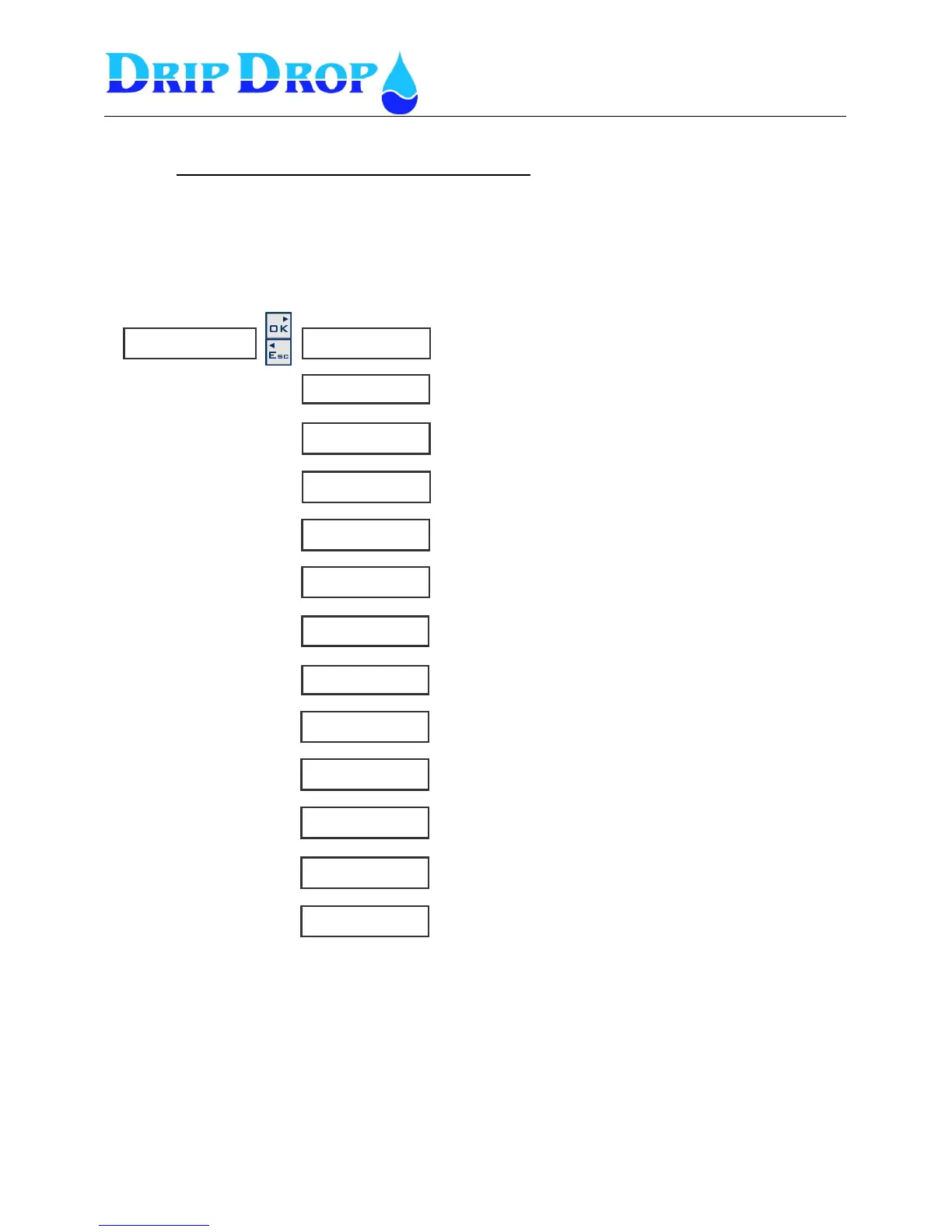
Here you set the Hayes string. It is recommended to read the
manual of the modem.
PIN code is used only for GSM-modems . DripDrop
recommends that PIN code is not used.
Modem type, analogue modem Type PSTN or GSM modem
This is the telephone number of the modem connected to the
SCADA system.
Here the length of the reset pulse is set
Here the time between modem resets is set
This is an identification text that certain SCADA systems uses
Here the number of call signals before the station answers is
set
Here the number of retries is set.
Here the time between the retries isset.
In certain cases it is needed that the unit calls back when an
alarm goes OFF. Here this function is activated.
Here you set if the alarms can be remotly acknowledged or
not.
Here the communication type is set Dial-up


 To Next Page