MANUAL PC-200
Ver. 2.12.xx/10/22/2010-UK
Page 38 (61)
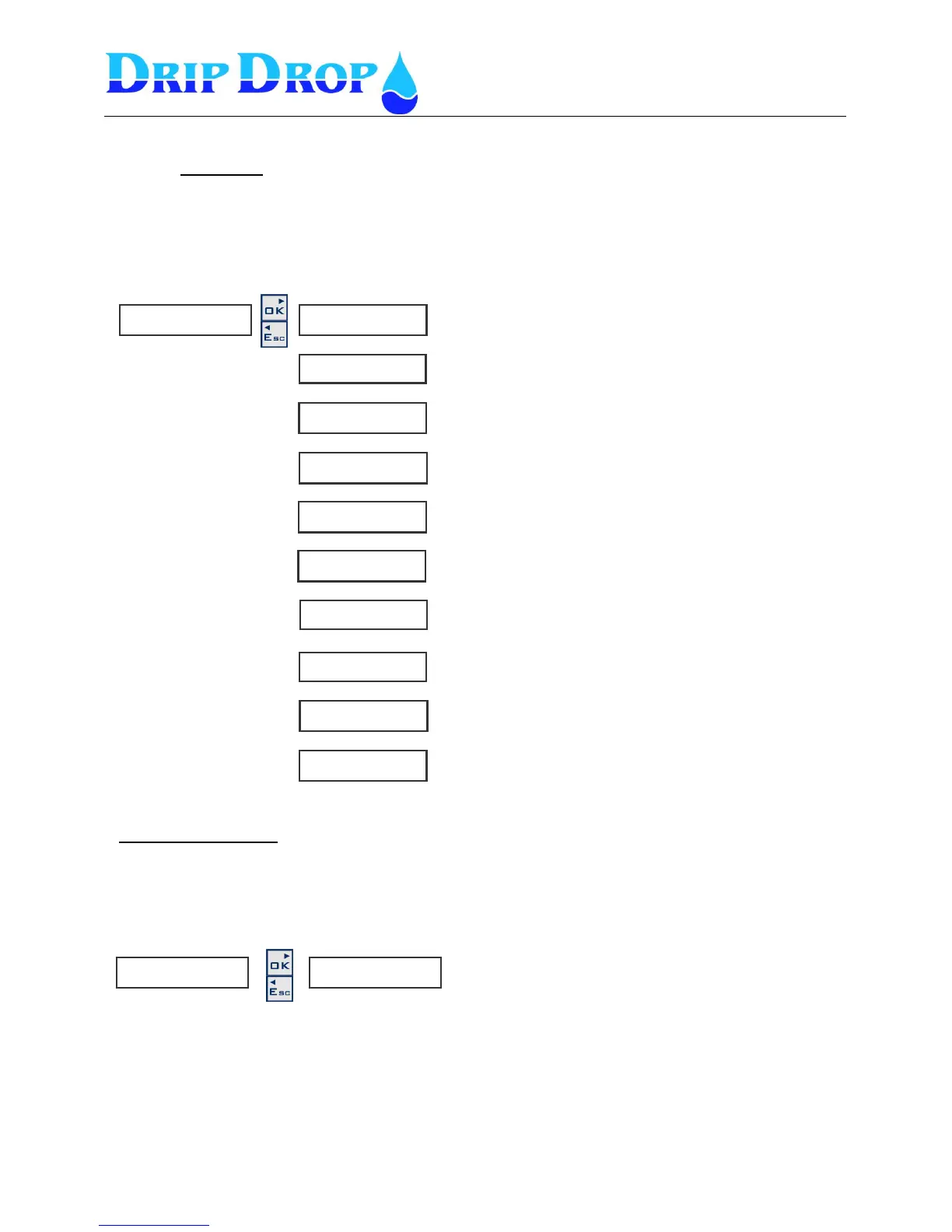
H a y e s s t r i n g
◄◄◄
0
P i n c o d e
◄◄◄ 0 0 0 0
0
T e l n o . 1
◄◄◄ 1 2 3 4 5 6
0
R e s e t p u l s e [ s ]
◄◄◄ 0
0
R e m o t e A C K
◄◄◄ N o
0
S t a t i o n n a m e
◄◄◄
0
L i n k
◄◄◄ G S M - S M S
0
C o n n e c t i o n . ►
◄◄
0
G S M s i g n . s t y r k a ►
◄◄
0
GSM-SMS (SMS-text via GSM-modem)
These settings are used to send and receive SMS messages with a GSM telephone. You need a normal
SIM card with the SMS function activated. The PIN code of the SMS card can be activated or not.
The function allows up to three different mobile phone numbers to be activated. Depending on the
settings SMS messages can be sent to all phone numbers with a certain time delay.
GSM Signal strength
This is an status window which shows the actual signal strength in the GSM net if you selected to
Communicate via a GSM modem. If you selected any other type of communication this menu will no
apear
R e s e t m o d e m [ m i n ]
◄◄◄ 0
T e l n o . 2
◄◄◄ 1 2 3 4 5 6
T e l n o . 3
◄◄◄ 1 2 3 4 5 6
Here the length of the reset pulse is set
Here the time between modem resets is set
Here you set the Hayes string. It is recommended to read
the manual of the modem
PIN code is used only for GSM-modems . DripDrop
recommends that PIN code is not used.
This is telephone number 1 which can be set
This is telephone number 2 which can be set
This is telephone number 3 which can be set
Here the station name is set
Here you set if the alarms can be remotly acknowledged or
not.
Here the communication type is set to GSM/SMS
Shows actual signal strength.


 To Next Page