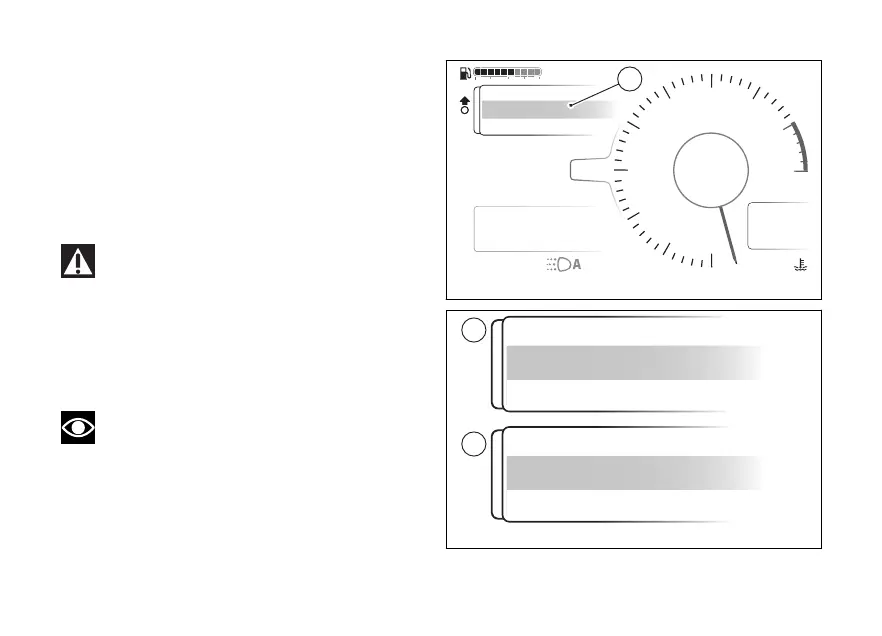
The relative window (C, Fig 92) is displayed.
The current ABS On status is displayed at the
of the window and ABS (D, Fig 93) is
displayed in the middle of the window. When the
ENTER (3) is pressed, Wait... is displayed for a
few seconds, then the ABS system is deactivated
with displayed at the and ABS On
(E,Fig 93) shown in the middle of the window.
( Fig 93)
The window remains active as long as the ABS
system is disabled. In this case the window cannot be
closed. Press ENTER (3) to re-enable the ABS
system: once reactivated, the window returns to the
previous condition and it will be possible to close it
by pressing and holding the (1) pressed for a
long time.
Note
If an error occurs during the status change from
On to and vice versa, the red Error message is
displayed for a few seconds, then the window shows
the previous status.
Air
24
°C
0
km/h
90
°C
10:34
pm
rpm X1000
4
1
2
3
5
6
7
8
10
12
NN
Gear
Total
Range
2017 km
250 km
ENDURO
ABS off
On
C
DTC
DQS
ABS
DWC
3
3
5
On
Fig 92
Fig 93
116











 To Next Page