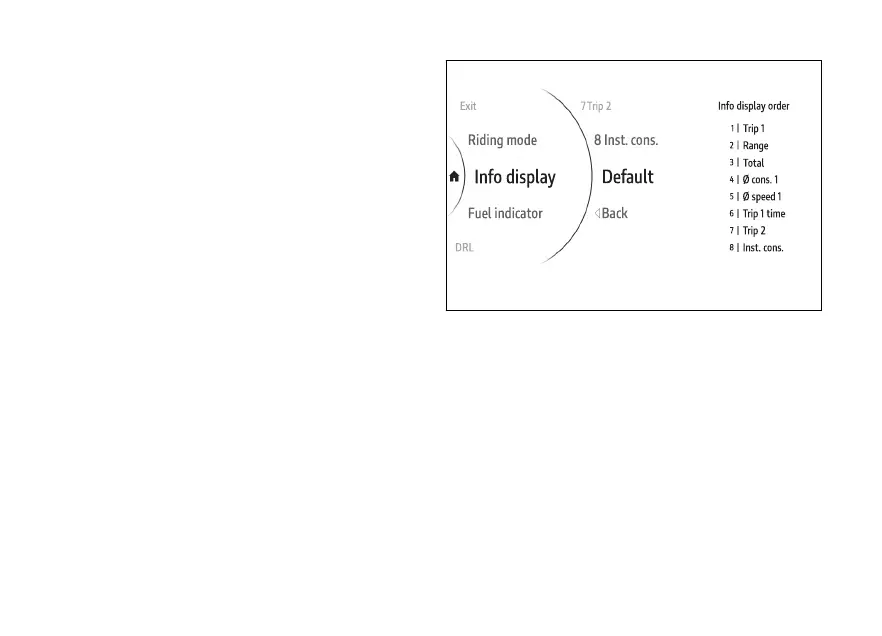
When the item positions are changed from the
original order, Default is displayed in the list of
selectable items.
To restore the original order, select the Default item
and press ENTER: Wait… is displayed for a few
seconds followed by Default Ok. Then, Default item
disappears from the menu list, while the positions of
the items and the current order of the Info display
are restored to their original conditions.
Fig 130
155











 To Next Page