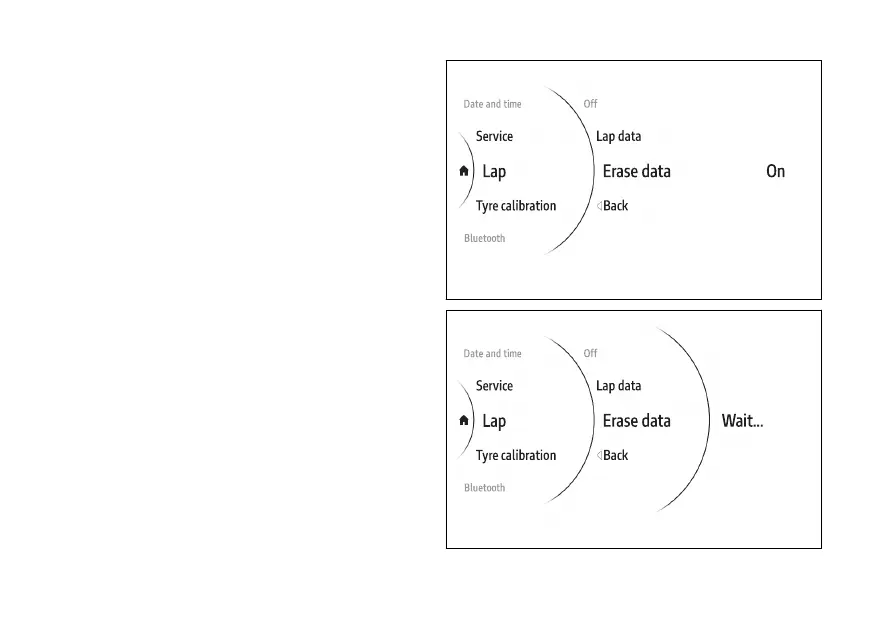
Erase data
This item is only displayed if laps have previously
been recorded.
●
Use (1) and (2) from the Interactive
Menu to select the menu item and press
ENTER (3).
●
Select the Lap item and press ENTER (3).
●
Select the Erase data item and press ENTER to
erase the data.
The message Wait… is then displayed for a few
seconds (Fig 169), followed by the message Erased
for a few seconds. The previous screen will then be
displayed without the Erase data item.
Fig 168
Fig 169
177











 To Next Page