222
c HELP Mode Function and Operation Procedures
chap.7
H-03
(1)Function testingHELP mode
(1)
Signal solenoid, Auto power off, Thermal head's power
source/ signal,Paper feed clutch testing
¡Following items are tested.
1. Signal solenoid
2. Auto power off
3. Thermal head power source
4. Thermal head signal (factory adjustment )
5. Paper feed clutch 1 (ADF)
6. Paper feed clutch 2 (ADF)
2. Operation procedure
Accessing HELP modes
a
See page 213
(1)
Testing the signal solenoid, Auto power off, Thermal head's
power source/ signal,Paper feed clutch
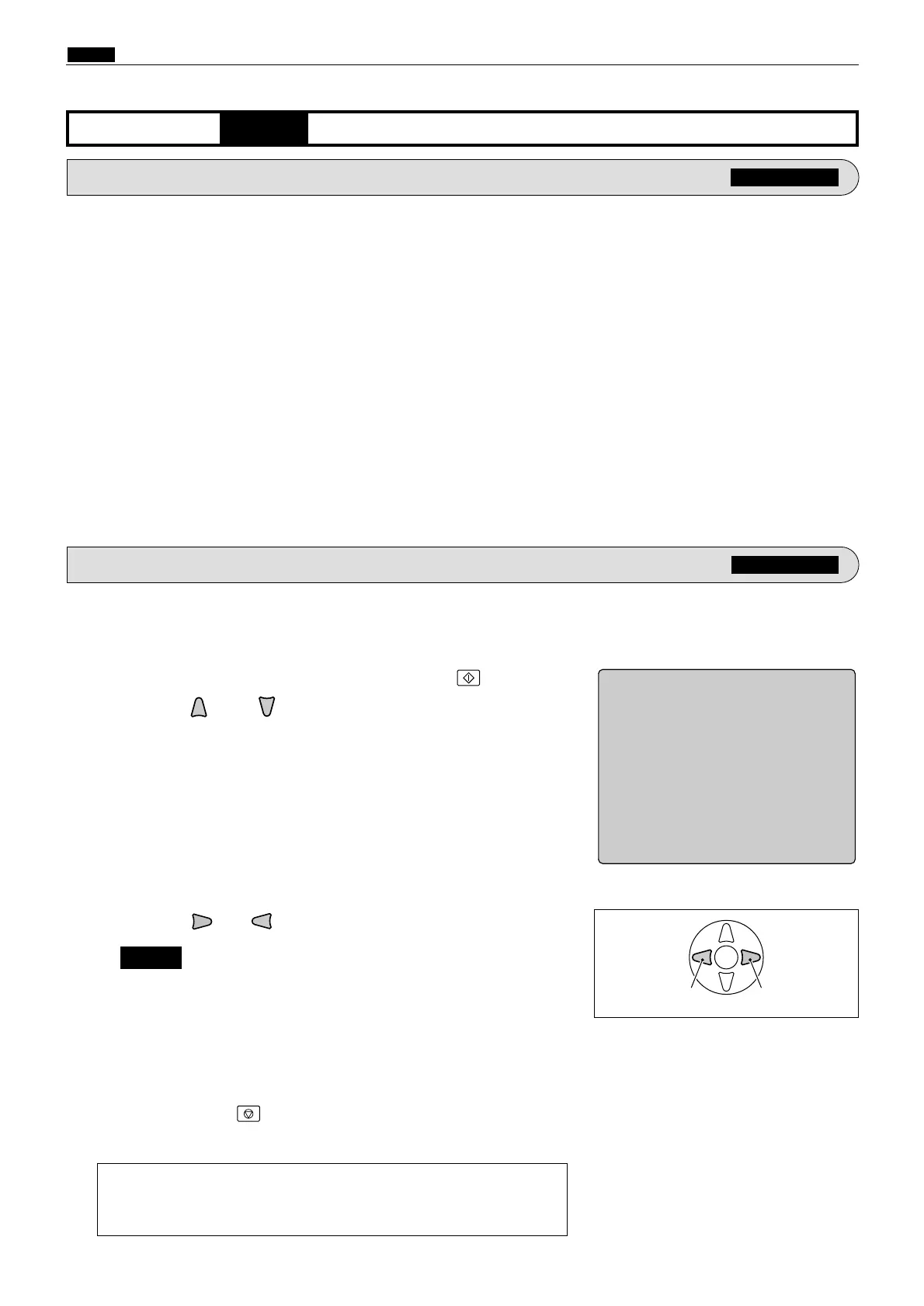
qAccess HELP mode H-03, and press the PRINT key.
wPress the and/or key to select the item.
ePress the (or ) key to test the functioning.
a
To exit the HELP mode
: Turn the power switch OFF.
a
To access another HELP mode
:
Enter the desired mode number
using the numeric keys.
rPress the STOP key.
The HELP mode selection display will reappear.
HELP-003
1 Signal solenoid
2 Auto power off
3 Thermal head power source
4 Thermal head signal
5 Paper feed clutch 1 (ADF)
6 Paper feed clutch 2 (ADF)
Movement test
test test
1. Functions
For electrical parts layout
a
See page 298
¡"2. Auto power off" turns off the power supply.
¡"3. Thermal head power source" permits measurement of the
thermal head's voltage via the DC-DC PCB unit (CN2).
NOTE :










 To Next Page