233
c HELP Mode Function and Operation Procedures
chap.7
1. Functions
H-11
(1) Function testingHELP mode
(1)
Document size, Document density level checking
¡
Following items are indicated.
1. Detected document size :
Document size ( pel path direction)
Document size (line progression direction)
Document size (
A3, B4, B5, A4R, B5R, 11x17, LG, LTR, STR, POST, LT, ST
)
2. Document density level:
Lightest section
Darkest section
Center section
2. Operation procedure
Accessing HELP modes
a
See page 213
(1) Checking the detected document size / density level
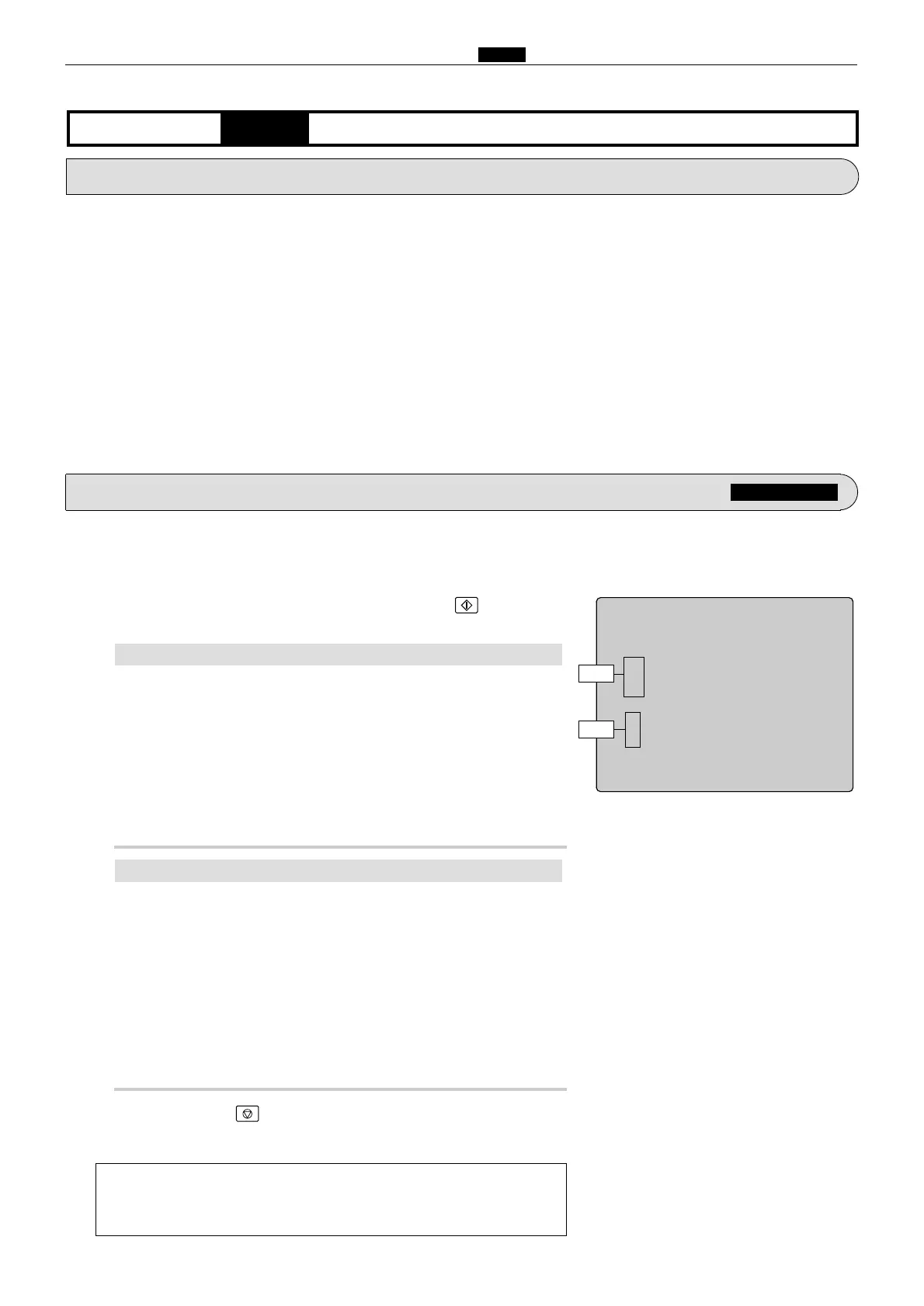
wAccess HELP mode H-11, and press the PRINT key.
Check the data displayed for the document placed on the document glass.
HELP-011
Detected document size
1 : Document size / pel path direction
1 : Document size /
line progression direction
11 : Document size :A3
Document density level
1 : Lightest section
1 : Darkest section
1 : Center / pel path direction
Movement test
2
Document size pel path direction ( mm )
Display of sensed size of document (in pel path direction) on
the document glass.
2
Document size line progression direction ( mm )
Display of sensed size of document (in line progression direction)
on the document glass.
2
Document size
A3, B4, B5, A4R, B5R, 11x17, LG, LTR, STR, POST, LT, ST
Display of document size :
2
Lightest section
A value between
000
("darkest" value) and
255
("lightest"
value) will be displayed.
2
Darkest section
A value between
000
("darkest" value) and
255
("lightest"
value) will be displayed.
2
Center section
A value between
000
("darkest" value) and
255
("lightest"
value) will be displayed.
Document density level:
a
To exit the HELP mode
: Turn the power switch OFF.
a
To access another HELP mode
:
Enter the desired mode number
using the numeric keys.
ePress the STOP key.
The HELP mode selection display will reappear.
q
Open the document cover, place the document on the document
glass, then close the document cover.
Value
Value










 To Next Page