16 | 2.5 Installing Tape Guides
DuraLabel.com | 800.788.5572
LOADING THE PRINTER
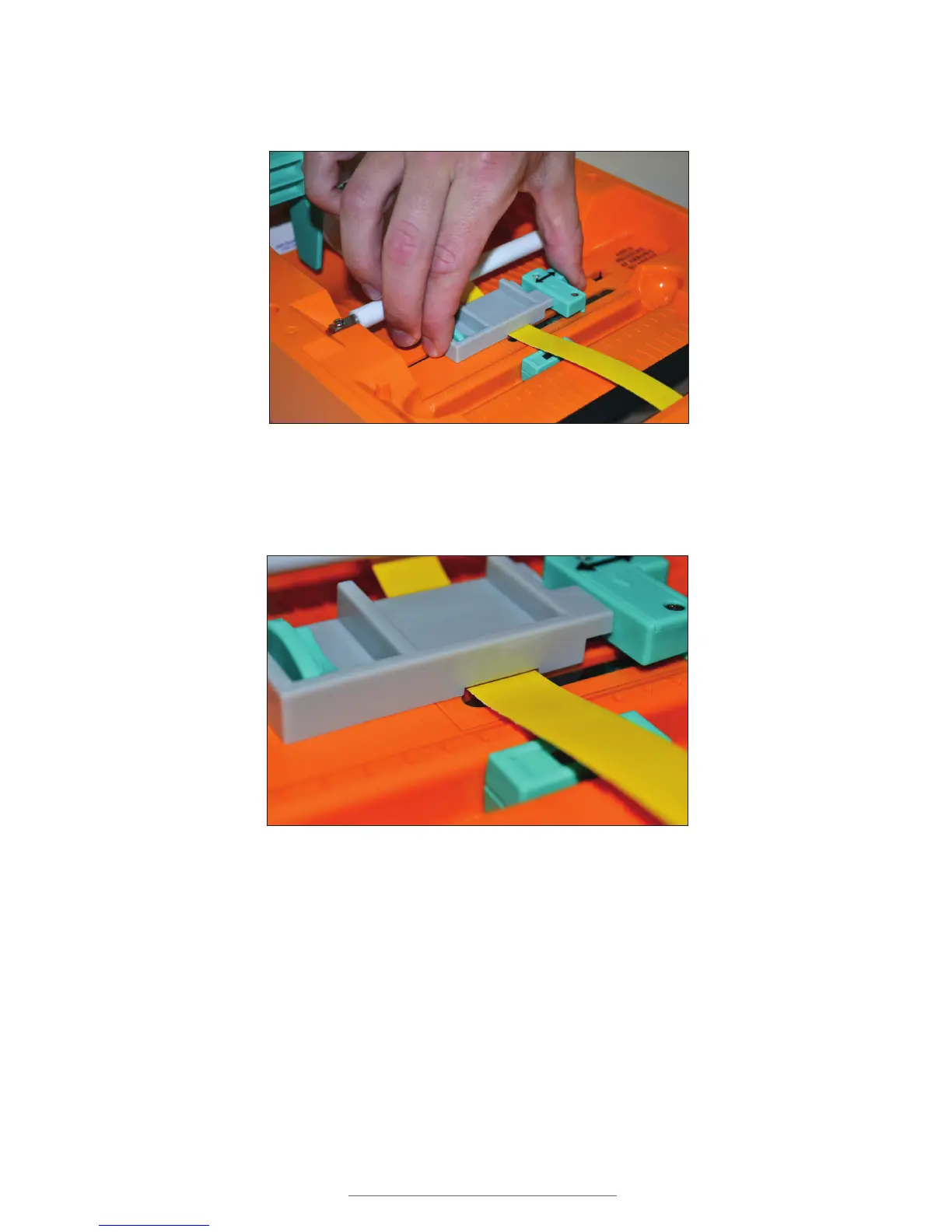
F. Move the adjustable label guides toward each other until the tape guide touches
the right adjustable label guide and the label guides cannot move any further.
G. The label supply should now be aligned over the media sensor. If it isn’t, slide the
media sensor to center it beneath the supply.
H. Close the printer cover and you’re ready to print.
Figure 9 Adjustable label guides pressed together
Figure 10 Supply aligned under tape guide and over media sensor



 To Next Page