SV-MAP-270 Navigation Mapping Software
SkyView Classic Pilot’s User Guide – Revision Z 7-17
Figure 90 - Heading Bug
The north marker as shown in Figure 91 is represented with a yellow arrow marked with an “N”
and points to True North.
Figure 91 - North Marker
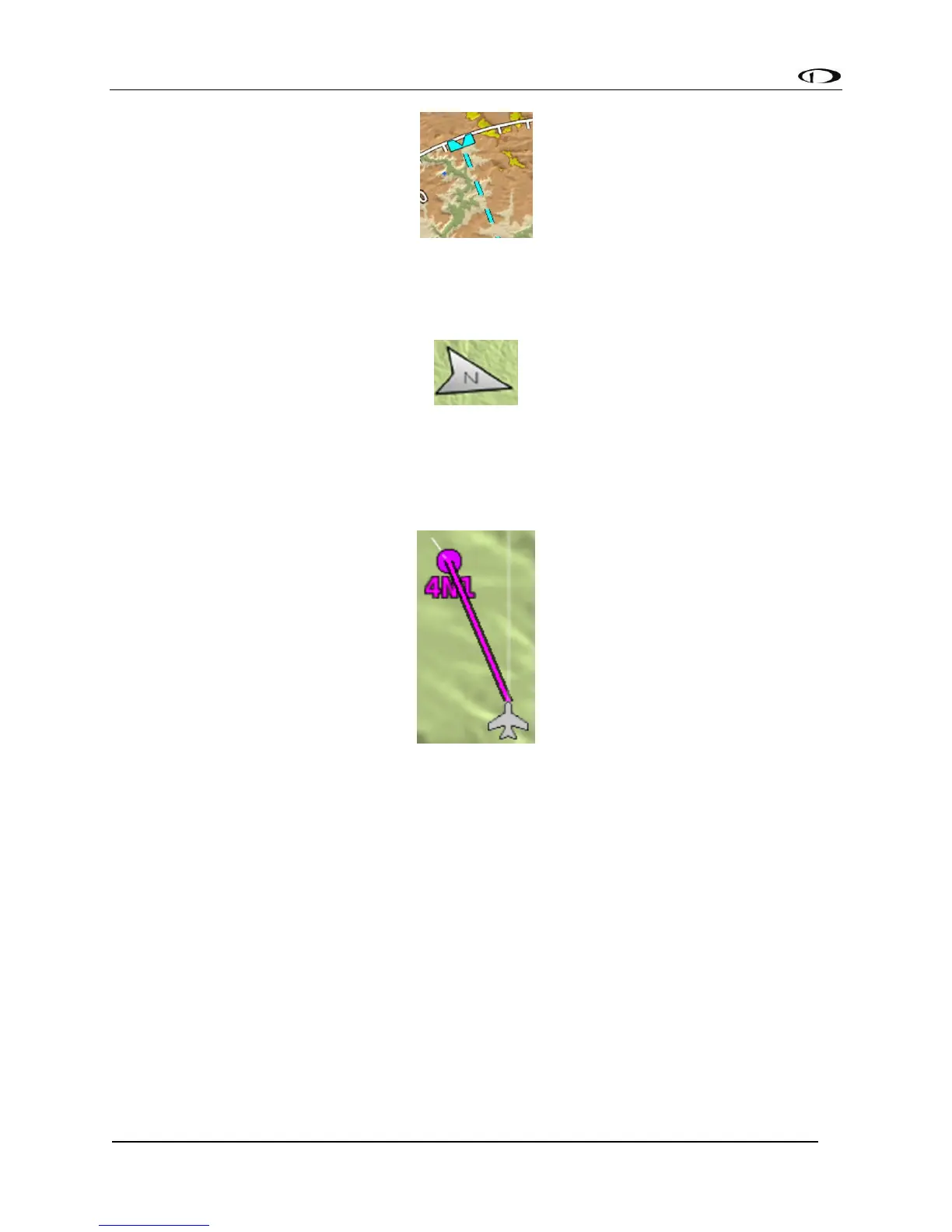
The magenta course line shown in Figure 92 appears whenever the Navigation Mapping
Software is navigating to an active waypoint. It is the shortest path between the two points that
it connects on the map.
Figure 92 - Course Line
Flight Plan Legs
Flight plan legs appear in the Moving Map display whenever a flight plan has been activated.
The magenta line corresponds to the current leg of the Flight Plan and subsequent legs are
shown in white. Legs prior to the current leg are not shown. See the Flight Planning section of
this guide for more information about creating and working with flight plans.



 To Next Page