SV-MAP-270 Navigation Mapping Software
SkyView Classic Pilot’s User Guide – Revision Z 7-36
• TERRAIN – Pressing the TERRAIN button displays SkyView’s built-in high resolution
terrain and basemap with digital aviation and obstacle data from Dynon (FAA),
Jeppesen, or PocketFMS, depending on the databases installed.
• VFR – Pressing the VFR button displays Geo-referenced VFR enroute charts
(sectionals/world area/terminal area charts in the US).
• IFR LOW – Pressing the IFR LOW button displays Geo-referenced IFR low altitude
enroute charts.
• IFR HIGH– Pressing the IFR HIGH button displays Geo-referenced IFR high altitude
enroute charts.
• WEATHER – Pressing the WEATHER button toggles the weather overlay on or off of the
current map (when a weather device such as the SV-ADSB-470/472 is connected).
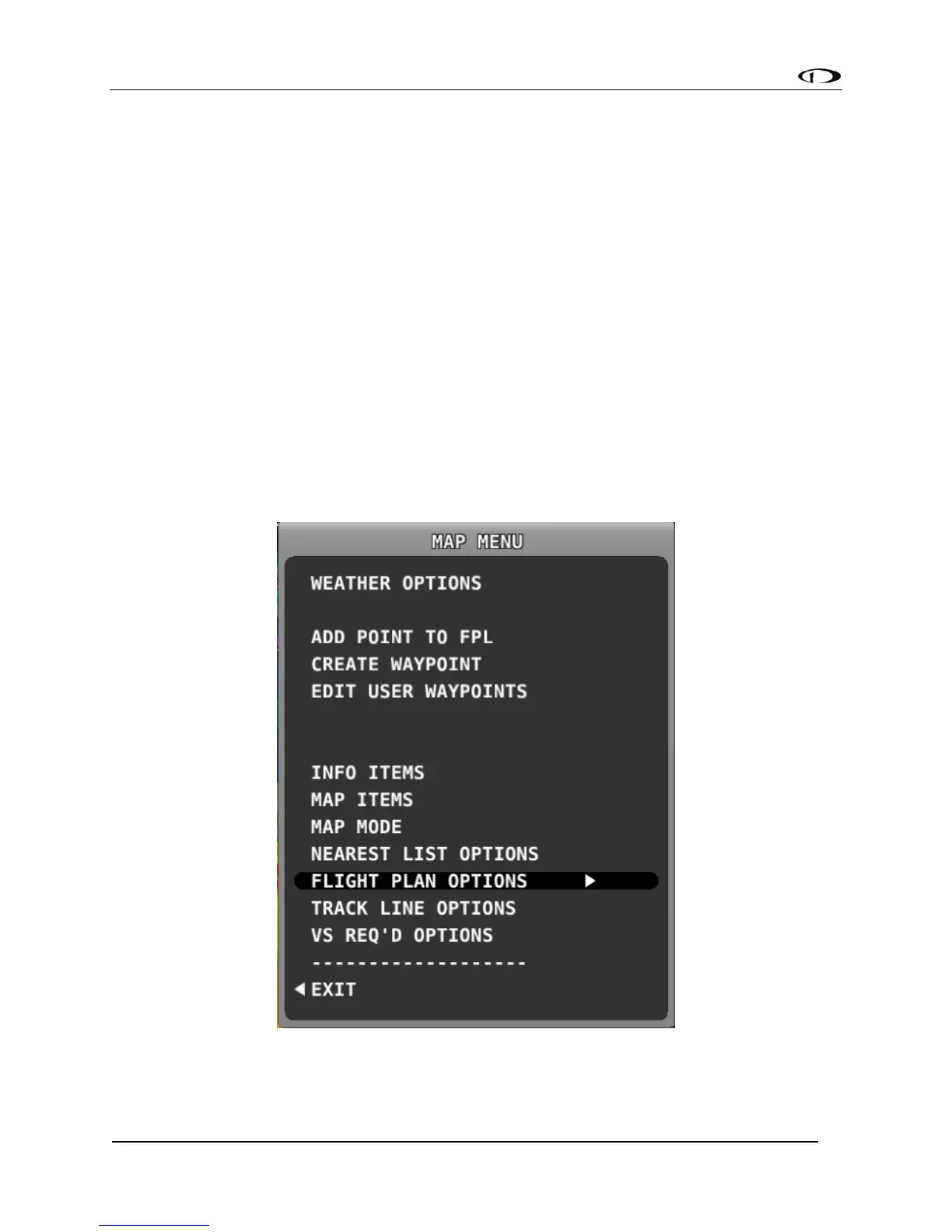
MAP MENU
Press the MAP MENU button for additional map features and settings. Additionally, this menu
includes the ability to create and manipulate user waypoints.
Figure 114 - Map Menu



 To Next Page