Flight Planning
A Flight Plan consists of a sequence of one or more
waypoints. A maximum of 99 waypoints are supported.
The great circle track between each waypoint defines
the individual legs of the Flight Plan. When a Flight Plan
is active and shown on the Map, the current leg is
magenta in color. Future legs are white.
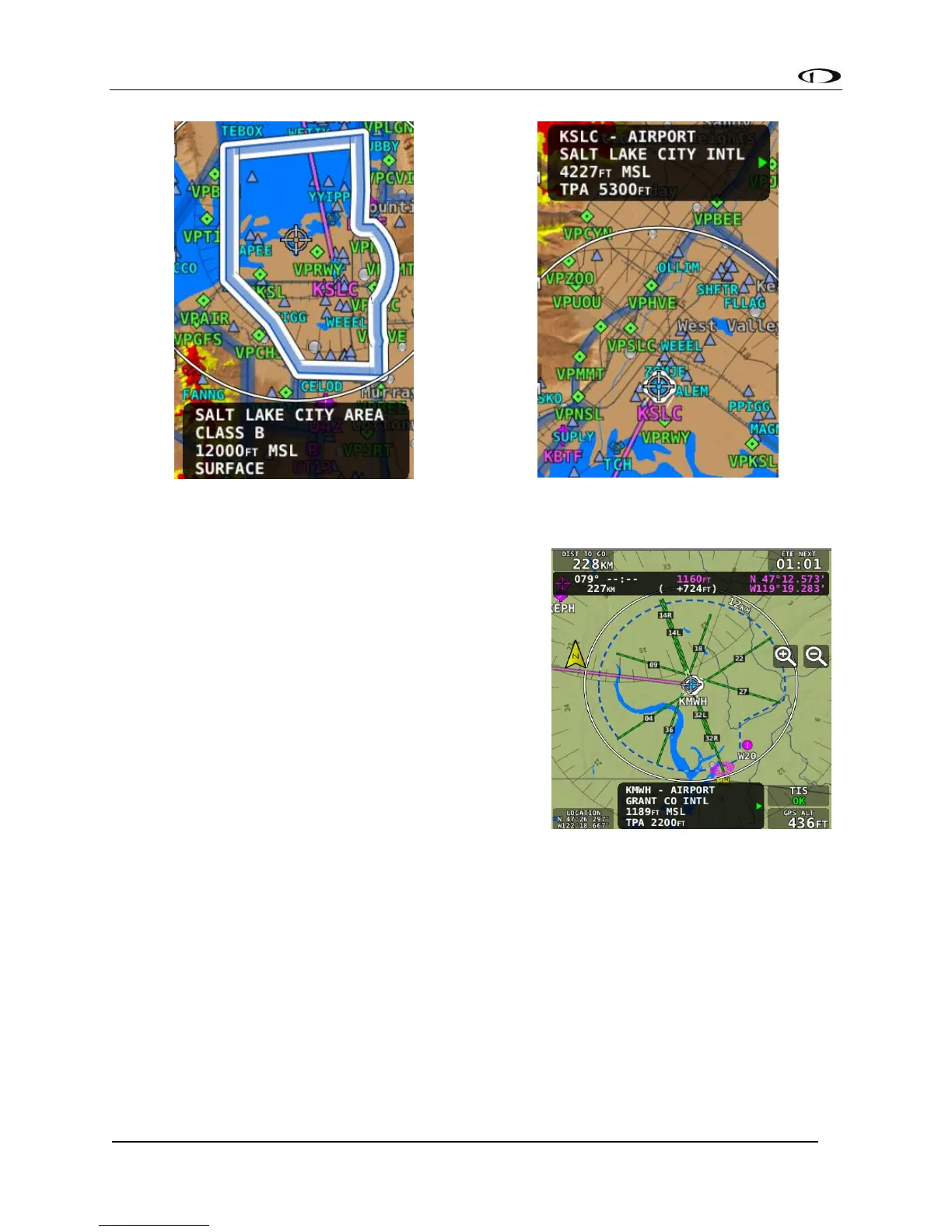
Extended Runways
When the Flight Plan origin, a waypoint, or the
destination is an airport, an extended runway line is
shown on the map, as illustrated here.
To navigate to a particular runway, push the INFO
button, select RWY, rotate the knob to select the
desired runway, and press “Direct-To.”



 To Next Page