SV-MAP-270 Navigation Mapping Software
SkyView Classic Pilot’s User Guide – Revision Z 7-55
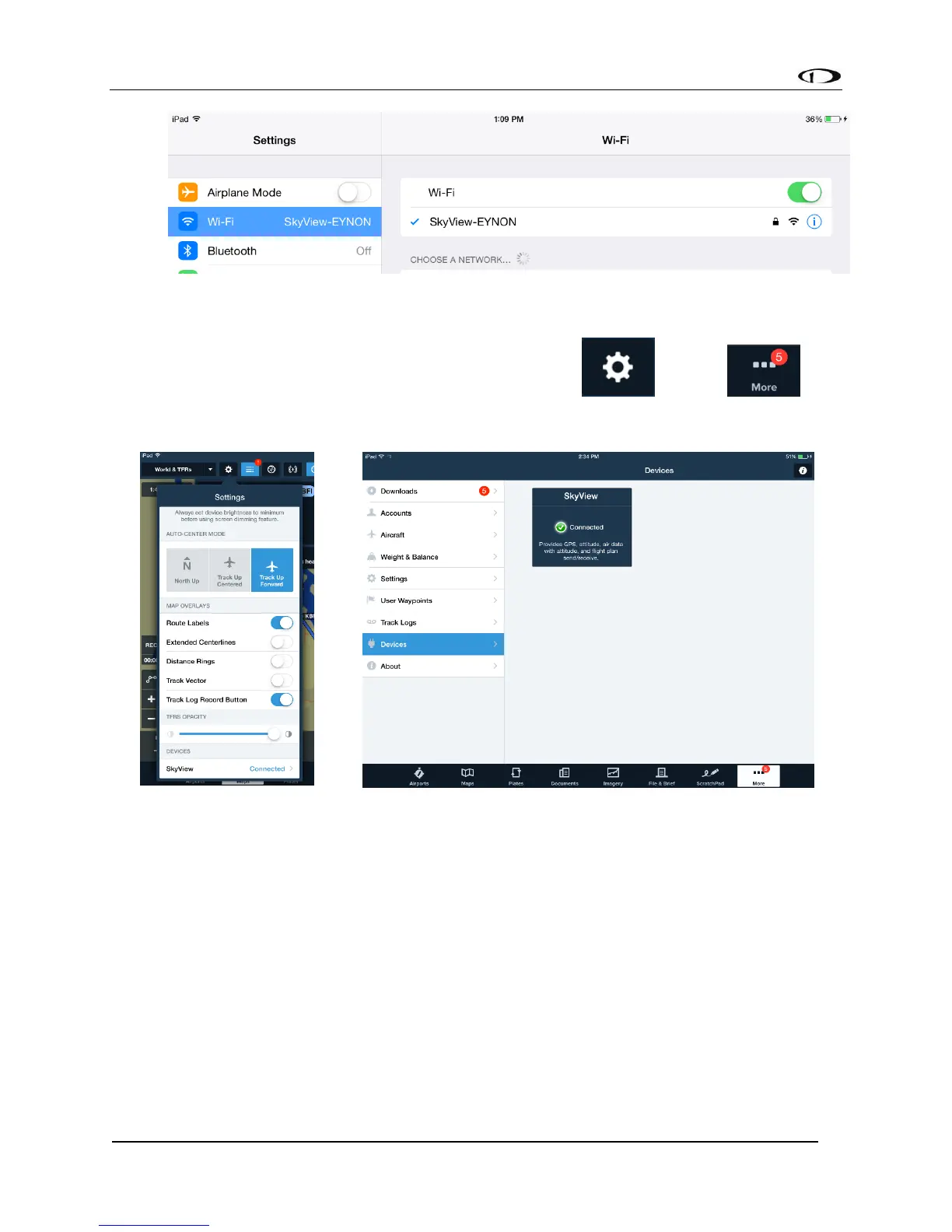
• Once your device is connected to your SkyView’s Wi-Fi network it should
automatically be listed as a connected device in your ForeFlight App. Confirm that
SkyView is connected under the Map Settings Icon or in the
Devices list.
• Lastly, to allow SkyView to receive flight plans from a connected ForeFlight app,
confirm that “Allow Incoming Flight Plans” “Over WI-FI” is set to YES under MAP
MENU > MAP MODE > FLIGHT PLAN OPTIONS.
Send and Receive Flight Plans with ForeFlight
Once you have your flight plan set up in ForeFlight on your iOS device (iPad or iPhone), you can
send it to SkyView’s Flight Planning page and Moving Map.



 To Next Page