COM Radio Operation
SkyView Classic Pilot’s User Guide – Revision Z 11-8
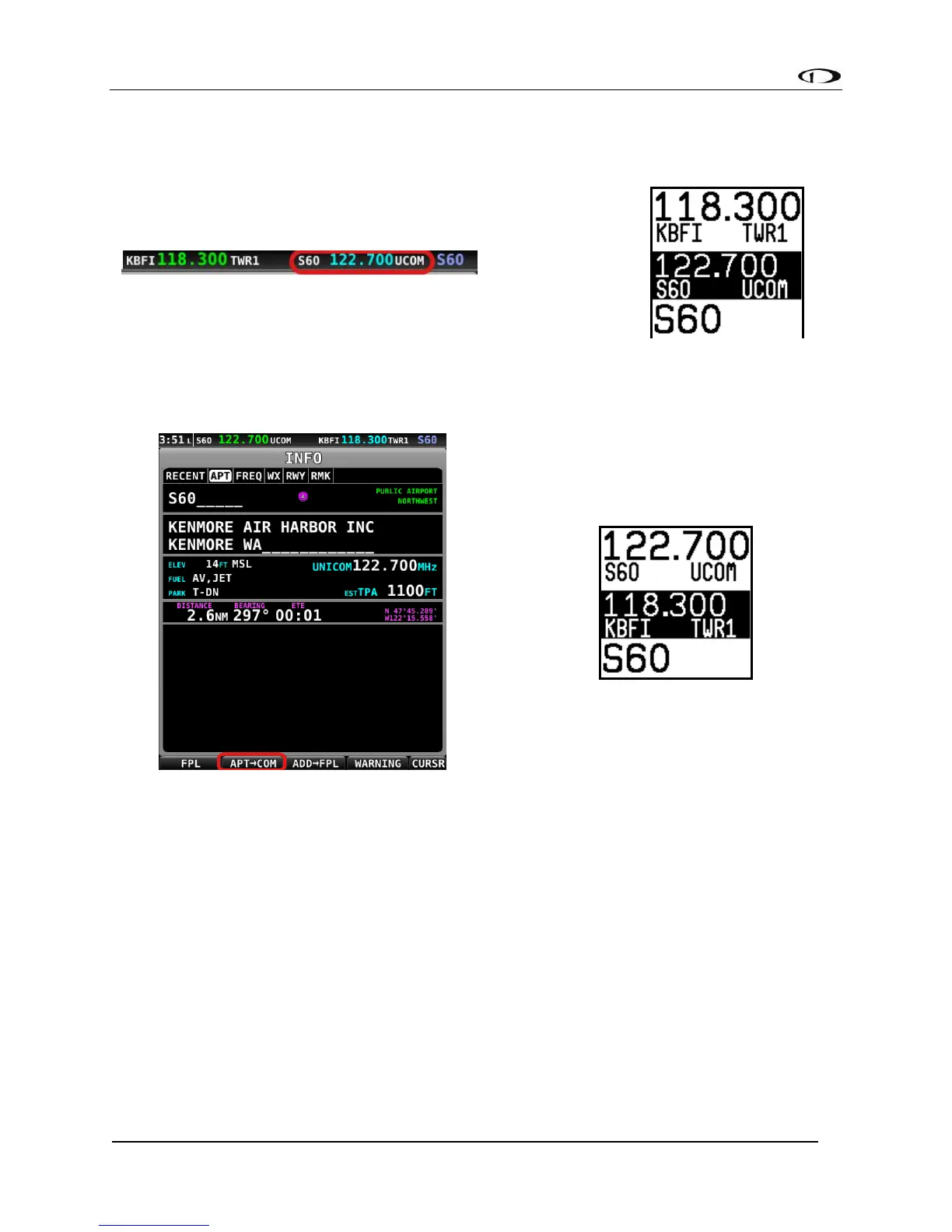
• Use the TWR, ATIS, GND, and ATC buttons on the control panel to send the associated
airport frequencies to the standby frequency location:
• Press the APT>COM button to load the airport to the control panel:
o Note this button is only available if SkyView has frequencies for the selected
airport.
• Use the TWR, ATIS, GND, and ATC buttons to send the associated airport frequencies
to the standby frequency location.
Loading Airports via the Control Panel
By Nearest
• Press the APT button once. NRST APT is displayed on the control panel, and the top
bar shows a list of the nearest airports within 75nm of your current location:



 To Next Page