SV-D700, SV-D1000 and SV-D1000T Operation
SkyView Classic Pilot’s User Guide – Revision Z 4-37
Accessing the Maintenance Log on your SkyView Display
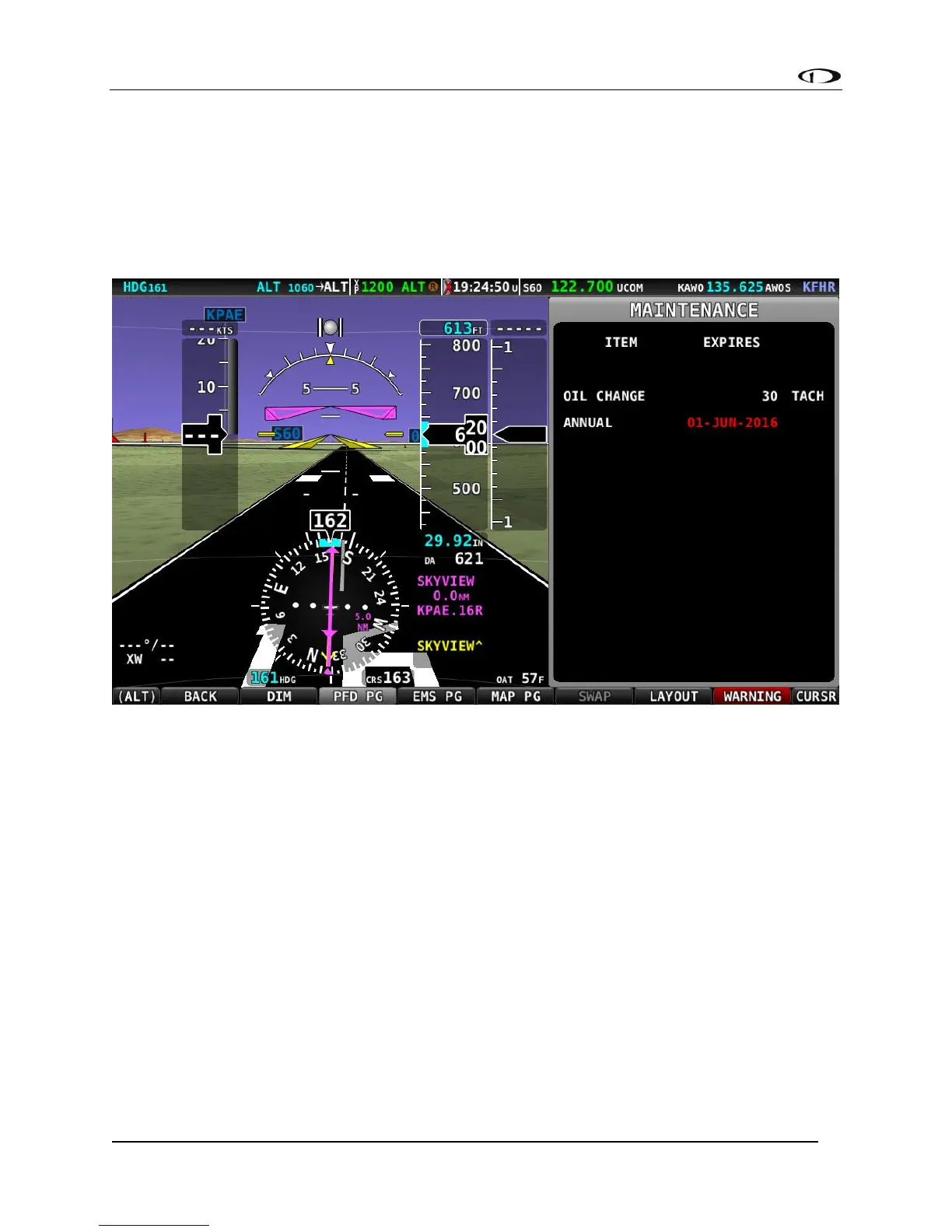
To access the Maintenance Log on your SkyView display, from the main menu, go to the TOOLS
menu and push the MAINTENANCE button. The Maintenance Log will display any a list of items
tracked for maintenance either in chronological time, or in reference to TACH TIME or HOBBS
TIME. Items that are past due are shown in Red. In Figure 69 below, note that the Annual is past
due.
Figure 69 - Maintenance Log



 To Next Page