SV-D700, SV-D1000 and SV-D1000T Operation
SkyView Classic Pilot’s User Guide – Revision Z 3-3
Each SkyView display has an integrated light-detecting sensor in the front bezel. This light
sensor can be used for automatic backlight level management. Reference the SkyView System
Installation Guide for instructions on how to configure the display for automatic backlight level
management.
Joystick and Button Operation
Joysticks and buttons are used for various functions including powering the unit on and off,
entering and navigating menus, and adjusting values.
Operation Basics
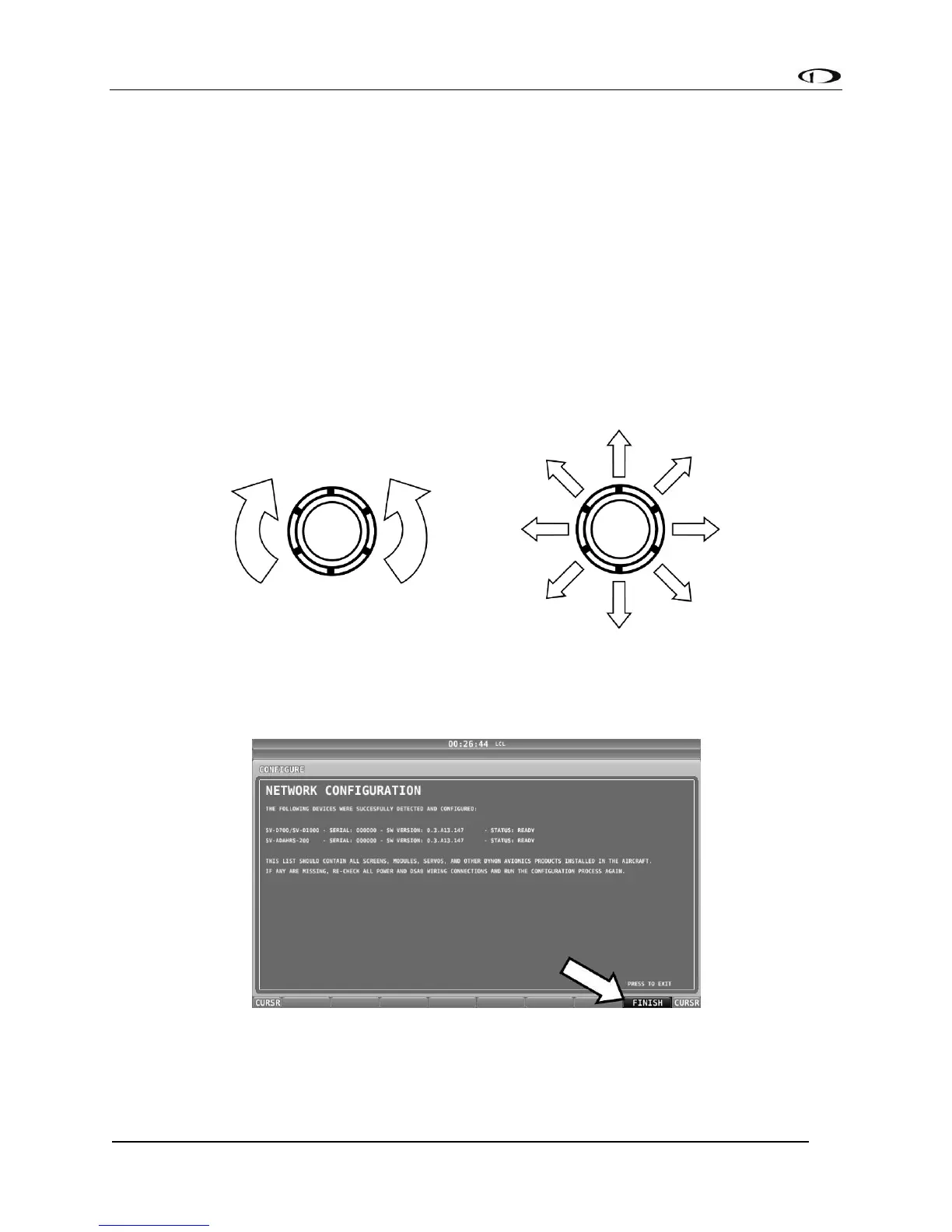
Joysticks can be turned and moved. Specific joystick behavior is addressed in subsequent
sections of this guide when necessary.
Figure 2–Joystick Turn (left) and Movement (right) Directions
A button has a function if there is a label above it. If there is no label, there is no function. The
figure below shows an example button label.
Figure 3–Example Button Label
When you press the softkey button (or tap its label on SkyView Touch) momentarily, its action
is invoked.



 To Next Page