SV-MAP-270 Navigation Mapping Software
SkyView Classic Pilot’s User Guide – Revision Z 7-66
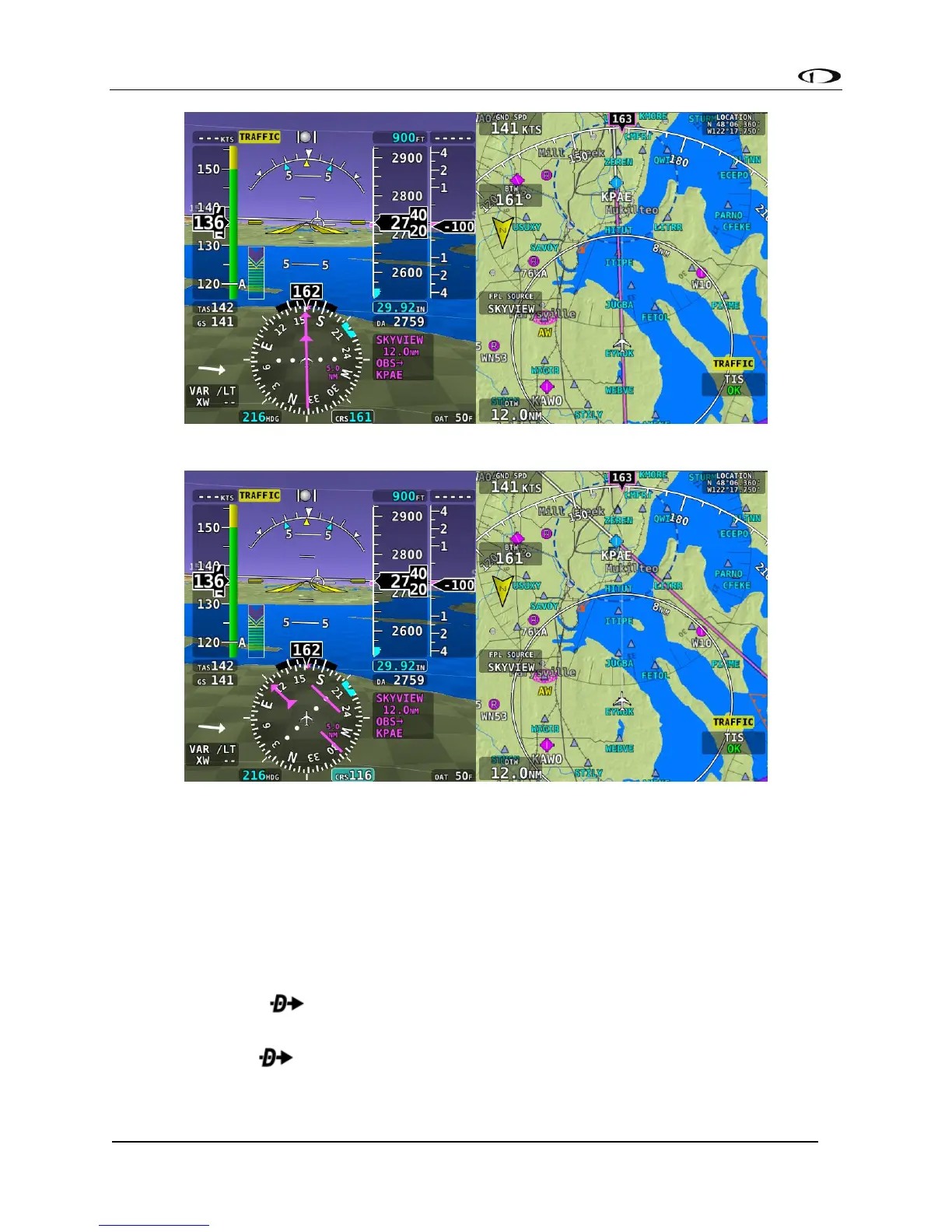
Figure 149 - OBS Mode: On Course
Figure 150 - OBS Mode: Course set to 116
Turning Off OBS Mode
To turn off OBS Mode, go to FPL > FPL MENU > CANCEL OBS MODE.
Alternatively, you can perform any action that would cause SkyView to navigate somewhere
else. Examples of this include:
• Activate a different leg on the flight plan by using the FPL MENU > ACTIVATE LEG
action.
• Press the button on a flight plan waypoint to go direct to that waypoint on the
flight plan.
• Use the feature to navigate to any waypoint available via INFO, NRST, or other
Map menus.



 To Next Page