EasyManua.ls Logo

Dynon SkyView Classic - Page 221

Dynon SkyView Classic
256 pages
Print Icon
To Next Page IconTo Next Page
To Previous Page IconTo Previous Page
Loading...
SkyView Touch (SV-D1000T) Operation
SkyView Classic Pilot’s User Guide – Revision Z 9-6
the top bar - that cause the menu to change, the menu and any open windows will
close just as if CANCEL/BACK had been pressed. For example, if you are adding a
waypoint to the SkyView flight plan and touch the top bar for the TIMER before
finishing the insert, it is the same as pressing CANCEL out of the flight plan menu.

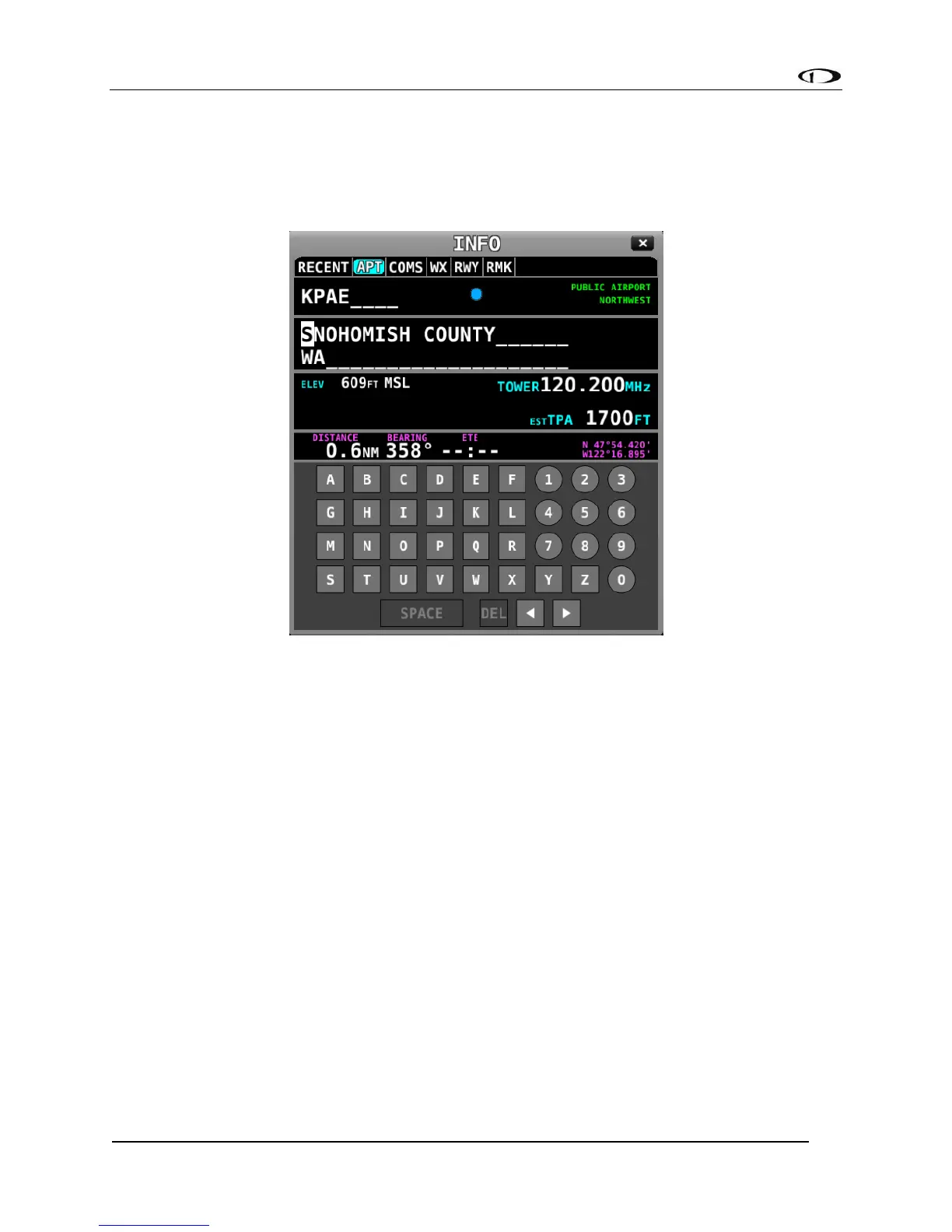
Figure 221 - Touch ABC Keyboard Entry

Table of Contents

Related product manuals