INSTRUCTIONS MANUAL
-101-
DATA
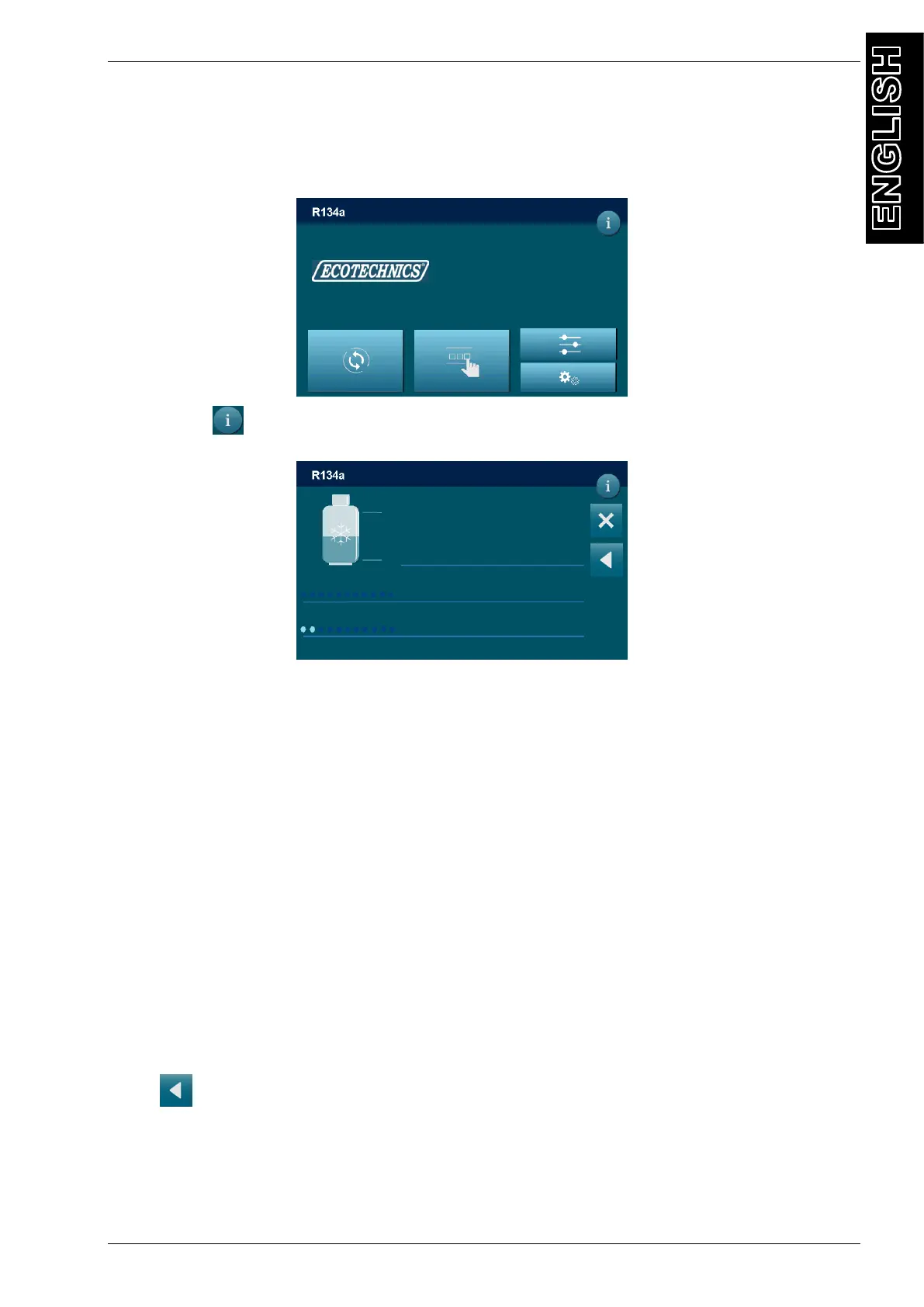
This menu shows all data read by the machine. From the MAIN MENU:
Press “i” key , the following screen will be displayed:
SW V.: Software version
Tank refrigerant:
o Total: total amount of refrigerant in the storage bottle.
o Available: quantity of refrigerant available in the storage bottle.
o Pressure: refrigerant storage bottle pressure.
o Temperature: refrigerant storage bottle temperature.
PAG: quantity of PAG OIL in the container.
POE: quantity of POE OIL in the container.
UV H: quantity of DYE in the container.
USED OIL: quantity of OIL in the USED OIL container.
A/C : pressure in the service hoses.
EV: pressure in the evaporator.
EXT: ambient temperature near the service station.
Service alarm performed.
Change analyzer performed.
Press to return to MAIN MENU.
DD/MM/YY XX:XX PM
MAIN MENU
TANK PRESSURE PAG
6.32 BAR 136ml
TANK TEMPERATURE POE
17.9°C 110 ml
REFRIGERANT AVAILABLE UV H
2735 g 27ml
USED OIL
89 ml
DD/MM/YY XX:XX PM
INFO
TANK REFRIGERANT
Total Pressure
xxxx g x.xx bar
Available Temperature
xxxx g xx.x °C
A/C EV EXT
xx.xx bar xx.xx bar xx.x °C
PAG POE UV H USED OIL
XXX ml XXX ml XXX ml XXX ml
DB neuma.023.56.73_27
SN: TC2500277
CHANGE ANALYSER FILTER
SERVICE
FW 0.49 Feb 14 2019
SW eckFlag21p2



 To Next Page