INSTRUCTIONS MANUAL
-44-
OIL+UV INJECTION
This operation can be carried out ONLY following a VACUUM operation.
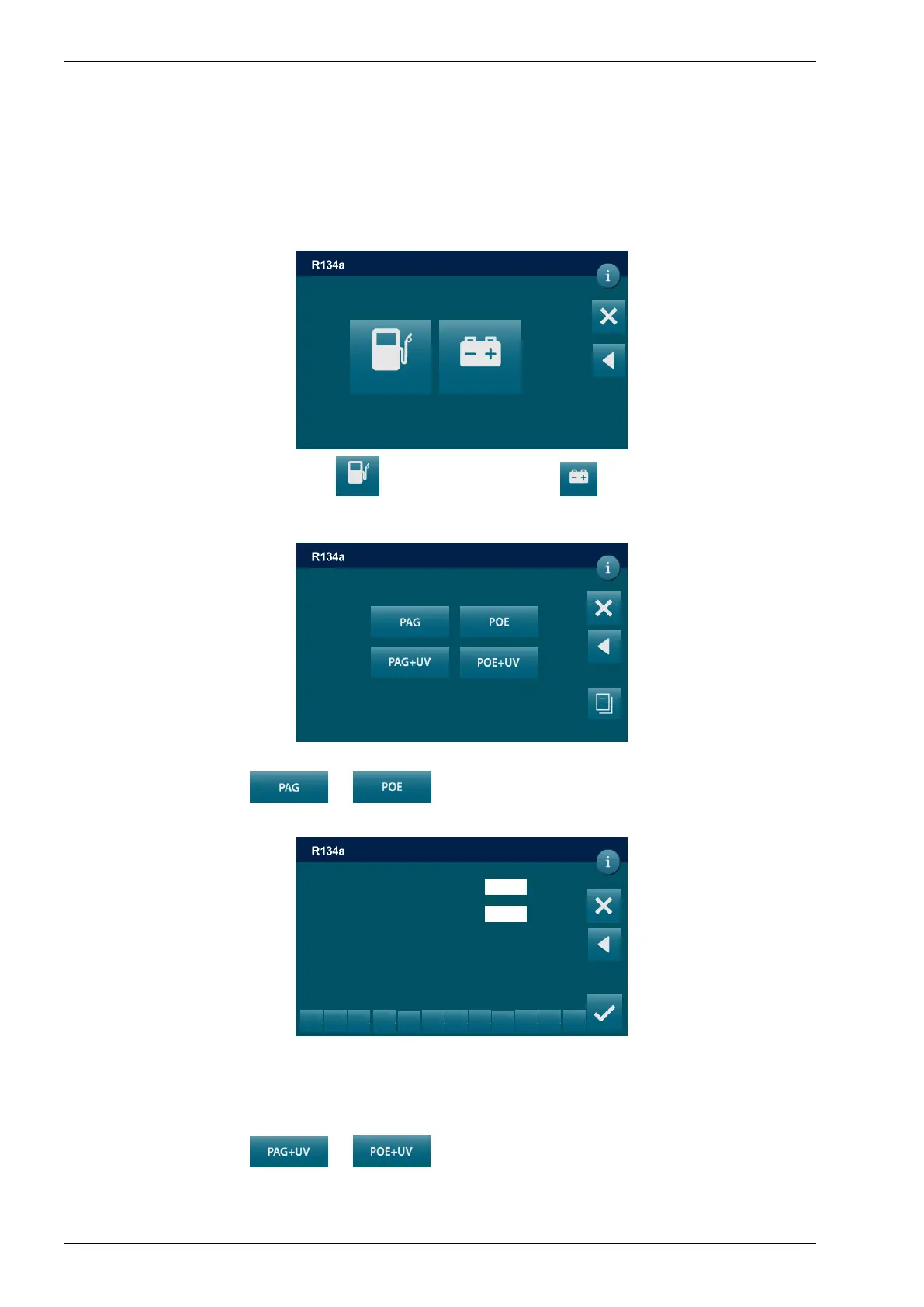
From the MANUAL PROCEDURE, select OIL+UV INJECTION, the following screen is
displayed:
Select the STANDARD VEHICLE or HYBRID VEHICLE the following screen will be
displayed:
EDIT OIL DATA
By selecting oil symbol or the following screen will be displayed:
Use the keys 0 to 9 to type the volume of oil to be injected.
EDIT UV DATA
By selecting oil symbol or the following screen will be displayed:
STANDARD VEHICLE HYBRID VEHICLE
DD/MM/YY XX:XX PM
MANUAL / OIL-UV INJECTION
Injection setting
DD/MM/YY XX:XX PM
MANUAL / OIL-UV INJECTION
DD/MM/YY XX:XX PM
MANUAL / OIL-UV INJECTION
PAG1/POE H
0
ml
1
2
3
5
6
8
9
0
.
<
0
ml



 To Next Page