INSTRUCTIONS MANUAL
-84-
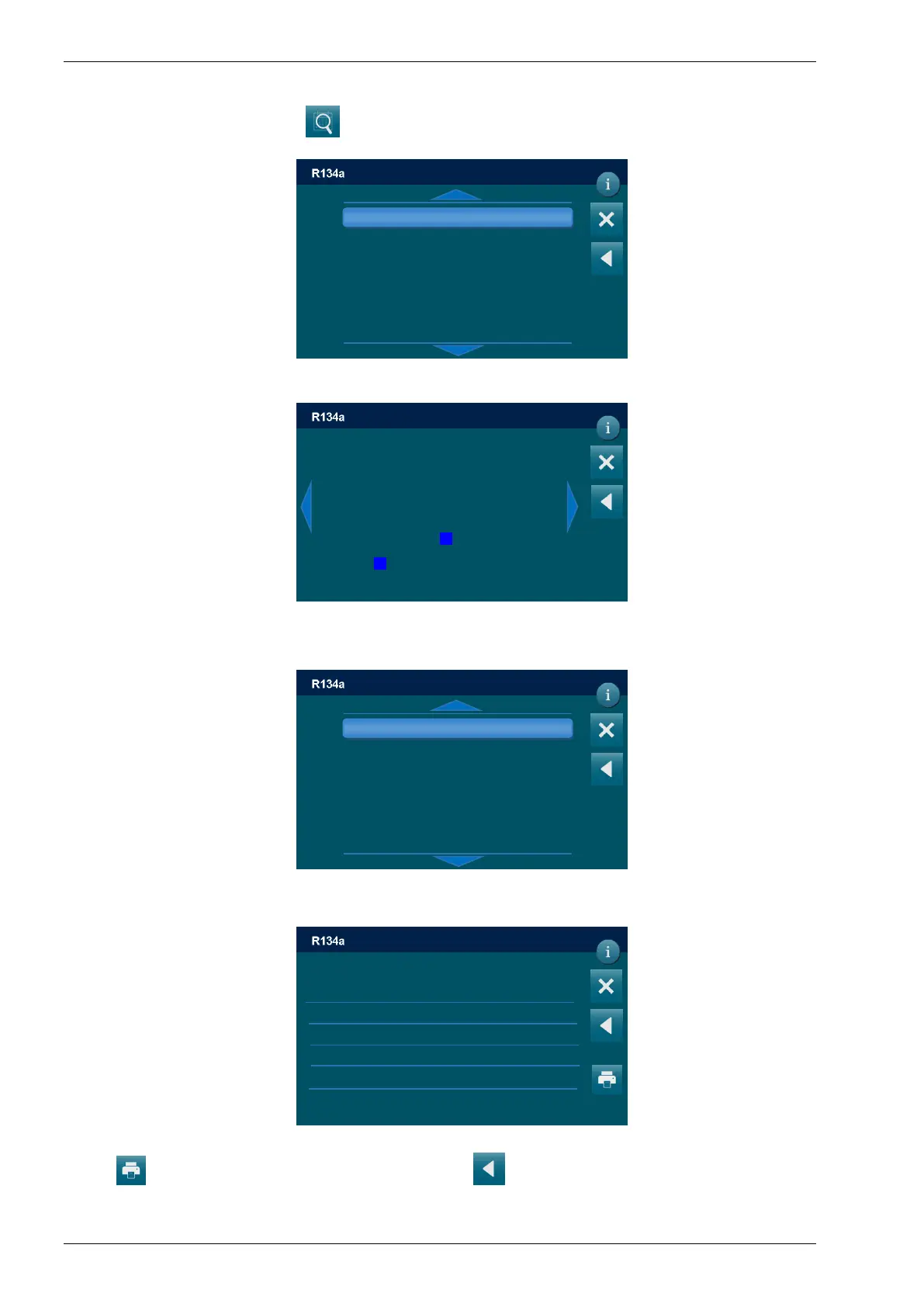
SEARCH BY DATE
Selecting SEARCH BY DATE , the following screen will be displayed:
Choose the year, the following screen will be displayed:
Choose the month and the day the following screen will be displayed:
NOTE: The days in which a service has been performed are highlighted
A list will be displayed, select service for detailed info:
Press to print the report of the service, or press to return to previous menu.
DD/MM/YY XX:XX PM
MAINTENANCE / SERVICES ARCHIVE
2019
DD/MM/YY XX:XX PM
MAINTENANCE / SERVICES ARCHIVE
FEBRUARY 2019
Mon Tue Wed Thu Fri Sat Sun
1 2 3
4 5 6 7 8 9 10
11 12 13 14 15 16 17
18 19 20 21 22 23 24
25 26 27 28
DD/MM/YY XX:XX PM
MAINTENANCE / SERVICES ARCHIVE
-DD/MM/YY XX:XX PM
Date Plate Operator km VIN
DD/MM/YY XX:XX -- -- -- --
R134a recovered: 0 g injected: 0 g
Oil recovered: 0 g injected: 0 ml
UV recovered: 0 g injected: 0 ml
Vacuum time: 0 min leak test: --
Refrigerant analysis --
Temperature 19*C
DD/MM/YY XX:XX PM
MAINTENANCE / SERVICES ARCHIVE



 To Next Page