INSTRUCTIONS MANUAL
-85-
EXTRACT ARCHIVE
Selecting EXTRACT ARCHIVE
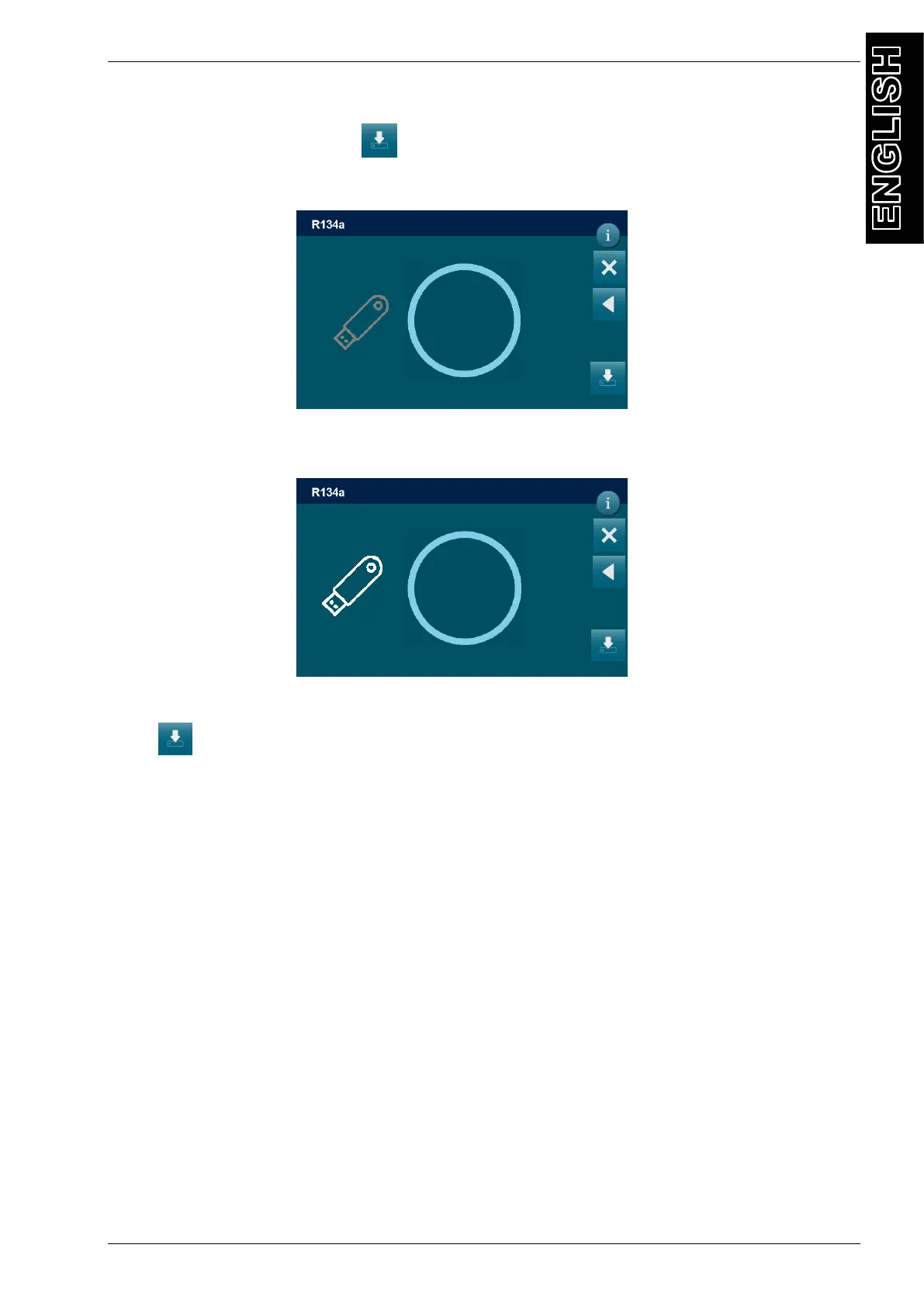
, the following screen will be displayed:
Insert the storage device in the USB port the available space of the usb pen will be displayed
press , to save to copy a eck_flag.csv file with all the operations into the Pendrive.
Extraction is now completed, the machine will return to the previous menu.
DD/MM/YY XX:XX PM
MAINTENANCE / SERVICES ARCHIVE
0.0KB
0.0MB
DD/MM/YY XX:XX PM
MAINTENANCE / SERVICES ARCHIVE
7.4GB
7.5GB



 To Next Page