INSTRUCTIONS MANUAL
-21-
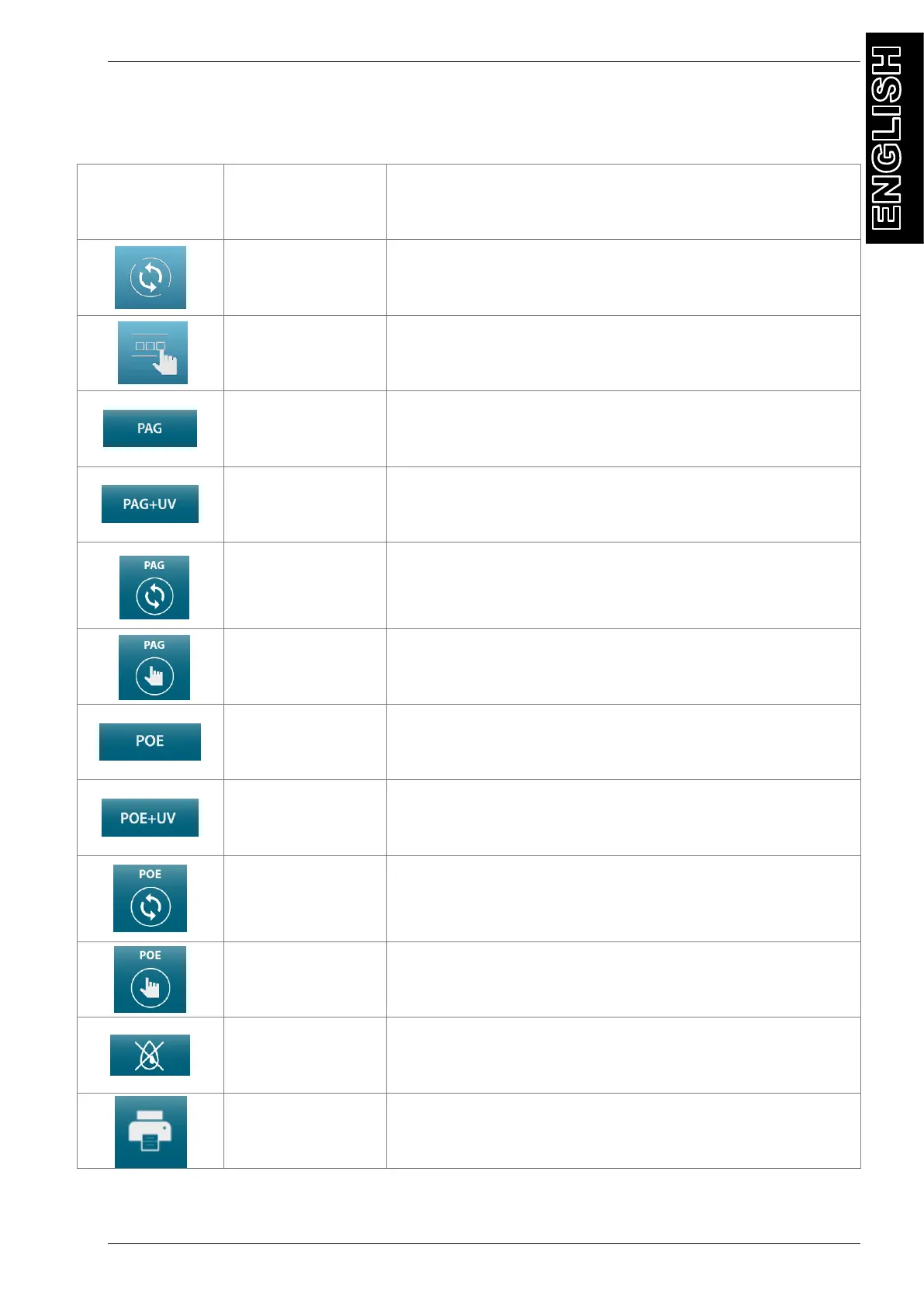
DISPLAY ICONS
ICON DESCRIPTION FUNCTION
AUTOMATIC
PROCEDURE
activates a menu that helps the user set up an
automatic recover/vacuum/leak test/charge sequence.
MANUAL
PROCEDURE
activates a menu that helps the user to perform a
manual operation:
PAG OIL
activates a menu that helps the user to perform a PAG
OIL injection operation:
PAG OIL+UV
activates a menu that helps the user to perform a PAG
OIL+UV DYE injection operation:
AUTOMATIC
PAG OIL
INJECTION
PROCEDURE
activates a menu that helps the user set up an
automatic PAG OIL injection procedure.
MANUAL PAG
OIL INJECTION
PROCEDURE
activates a menu that helps the user set up an manual
PAG OIL injection procedure.
POE OIL
activates a menu that helps the user to perform a POE
OIL injection operation:
POE OIL+UV
activates a menu that helps the user to perform a POE
OIL+UV DYE injection operation:
AUTOMATIC
POE OIL
INJECTION
PROCEDURE
activates a menu that helps the user set up an
automatic POE OIL injection procedure.
MANUAL POE
OIL INJECTION
PROCEDURE
activates a menu that helps the user set up an manual
POE OIL injection procedure.
NO OIL No OIL injection in automatic sequence
PRINT activates the sending of data to the printer



 To Next Page